

Hangul 2022
 |
Description
Book Introduction
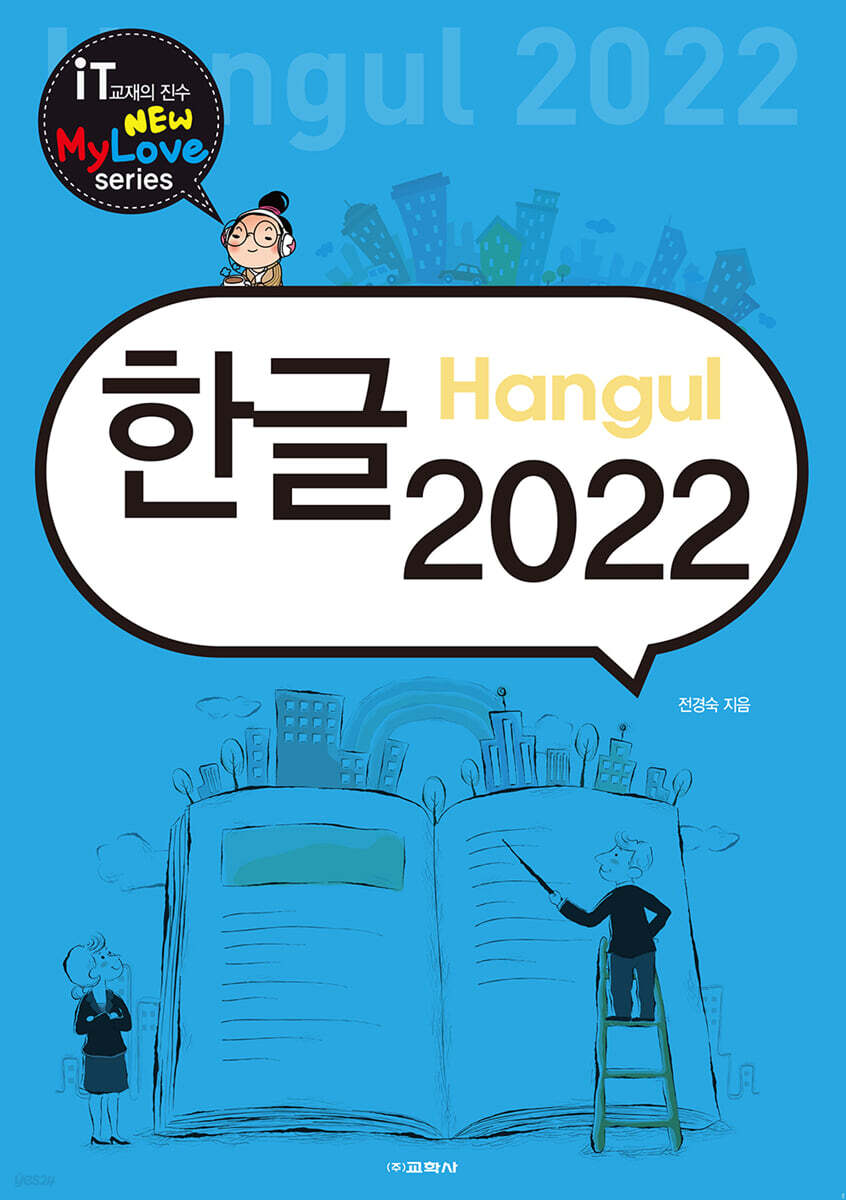
After learning the basic design, operation and termination of Hangeul 2022, and the functions of Hangeul 2022, and learning how to edit, manage, and print documents, which are Hangeul's workspace, you can learn the main functions that are frequently used in Hangeul, such as drawing tables, writing documents, drawing yard, creating document tables of contents, creating mail merges, and formulas, with big pictures and easy explanations.
index
Section 01.
Getting Started with Hangul 2022
Practice 01 | Examining the Hangul 2022 Screen Layout
Practice 02 | Examining the Top of the Screen
Exercise 03 | Examining the Bottom of the Screen
Try to solve the problem
Section 02.
Enter text and save
Practice 01 | Entering Special Characters
Practice 02 | Entering Chinese Characters
Practice 03 | Saving Documents
Try to solve the problem
Section 03.
Copy/Cut/Paste
Practice 01 | Copy and Paste
Practice 02 | Cut and Paste
Try to solve the problem
Section 04.
Setting the font and paragraph style
Practice 01 | Setting the Font Style
Practice 02 | Setting the Paragraph Format
Practice 03 | Copying Shapes
Try to solve the problem
Section 05.
Set style
Practice 01 | Creating a Style
Practice 02 | Applying Styles
Practice 03 | Modifying Styles
Try to solve the problem
Section 06.
Inserting an image into a document
Practice 01 | Inserting Images
Practice 02 | Cropping an Image
Practice 03 | Setting Image Properties
Try to solve the problem
Section 07.
Using the text box, drawing board, and writing map
Practice 01 | Using Text Boxes
Practice 02 | Using the Drawing Yard
Practice 03 | Using Geulmapsi
Try to solve the problem
Section 08.
Create a table
Practice 01 | Creating a Table and Entering Text
Practice 02 | Changing Cell Shape
Practice 03 | Editing Tables
Try to solve the problem
Section 09.
Calculating the table
Practice 01 | Finding the Block Sum
Practice 02 | Finding the Block Average
Try to solve the problem
Section 10.
Drawing and decorating
Practice 01 | Drawing with Shapes
Practice 02 | Decorating a Picture
Try to solve the problem
Section 11.
Create a chart
Practice 01 | Inserting a Chart
Practice 02 | Setting Chart Properties
Try to solve the problem
Section 12.
Enter a formula
Practice 01 | Entering Formulas
Practice 02 | Entering Complex Formulas
Try to solve the problem
Section 13.
Enter header/footer, footnotes, and page numbers
Practice 01 | Entering Headers and Footers
Practice 02 | Entering Footnotes
Practice 03 | Entering Page Numbers
Try to solve the problem
Section 14.
Apply paragraph numbers and create a table of contents
Practice 01 | Applying Paragraph Numbers
Practice 02 | Creating a Table of Contents
Try to solve the problem
Section 15.
Adding bookmarks and hyperlinks
Practice 01 | Adding a Bookmark
Practice 02 | Connecting Hyperlinks
Try to solve the problem
Section 16.
Creating a diploma with mail merge
Practice 01 | Adding a Mail Merge Mark
Practice 02 | Creating a Mail Merge List
Exercise 03 | Creating a Mail Merge
Try to solve the problem
Section 17.
Setting up multi-level and zoned areas
Practice 01 | Setting up multi-stage
Practice 02 | Setting up zones
Try to solve the problem
Section 18.
Decorate your document with annotations, capitalization, and emphasis.
Practice 01 | Adding Comments
Practice 02 | Decorating the First Letter
Practice 03 | Adding Emphasis
Try to solve the problem
Section 19.
Find and Replace and Clear Typesetting Marks
Practice 01 | Find and Replace Missing Letters
Exercise 02 | Deleting Unnecessary Typesetting Marks
Try to solve the problem
Section 20.
Create your own document
Practice 01 | Inserting Shapes and Entering Text
Practice 02 | Entering Text Maps
Try to solve the problem
Getting Started with Hangul 2022
Practice 01 | Examining the Hangul 2022 Screen Layout
Practice 02 | Examining the Top of the Screen
Exercise 03 | Examining the Bottom of the Screen
Try to solve the problem
Section 02.
Enter text and save
Practice 01 | Entering Special Characters
Practice 02 | Entering Chinese Characters
Practice 03 | Saving Documents
Try to solve the problem
Section 03.
Copy/Cut/Paste
Practice 01 | Copy and Paste
Practice 02 | Cut and Paste
Try to solve the problem
Section 04.
Setting the font and paragraph style
Practice 01 | Setting the Font Style
Practice 02 | Setting the Paragraph Format
Practice 03 | Copying Shapes
Try to solve the problem
Section 05.
Set style
Practice 01 | Creating a Style
Practice 02 | Applying Styles
Practice 03 | Modifying Styles
Try to solve the problem
Section 06.
Inserting an image into a document
Practice 01 | Inserting Images
Practice 02 | Cropping an Image
Practice 03 | Setting Image Properties
Try to solve the problem
Section 07.
Using the text box, drawing board, and writing map
Practice 01 | Using Text Boxes
Practice 02 | Using the Drawing Yard
Practice 03 | Using Geulmapsi
Try to solve the problem
Section 08.
Create a table
Practice 01 | Creating a Table and Entering Text
Practice 02 | Changing Cell Shape
Practice 03 | Editing Tables
Try to solve the problem
Section 09.
Calculating the table
Practice 01 | Finding the Block Sum
Practice 02 | Finding the Block Average
Try to solve the problem
Section 10.
Drawing and decorating
Practice 01 | Drawing with Shapes
Practice 02 | Decorating a Picture
Try to solve the problem
Section 11.
Create a chart
Practice 01 | Inserting a Chart
Practice 02 | Setting Chart Properties
Try to solve the problem
Section 12.
Enter a formula
Practice 01 | Entering Formulas
Practice 02 | Entering Complex Formulas
Try to solve the problem
Section 13.
Enter header/footer, footnotes, and page numbers
Practice 01 | Entering Headers and Footers
Practice 02 | Entering Footnotes
Practice 03 | Entering Page Numbers
Try to solve the problem
Section 14.
Apply paragraph numbers and create a table of contents
Practice 01 | Applying Paragraph Numbers
Practice 02 | Creating a Table of Contents
Try to solve the problem
Section 15.
Adding bookmarks and hyperlinks
Practice 01 | Adding a Bookmark
Practice 02 | Connecting Hyperlinks
Try to solve the problem
Section 16.
Creating a diploma with mail merge
Practice 01 | Adding a Mail Merge Mark
Practice 02 | Creating a Mail Merge List
Exercise 03 | Creating a Mail Merge
Try to solve the problem
Section 17.
Setting up multi-level and zoned areas
Practice 01 | Setting up multi-stage
Practice 02 | Setting up zones
Try to solve the problem
Section 18.
Decorate your document with annotations, capitalization, and emphasis.
Practice 01 | Adding Comments
Practice 02 | Decorating the First Letter
Practice 03 | Adding Emphasis
Try to solve the problem
Section 19.
Find and Replace and Clear Typesetting Marks
Practice 01 | Find and Replace Missing Letters
Exercise 02 | Deleting Unnecessary Typesetting Marks
Try to solve the problem
Section 20.
Create your own document
Practice 01 | Inserting Shapes and Entering Text
Practice 02 | Entering Text Maps
Try to solve the problem
Detailed image

Publisher's Review
01 Practice-oriented follow-up structure
We have organized the training system around basic functions and examples essential for practical use, so that anyone can easily follow along and learn.
02 Includes substantial know-how from veteran teachers
Based on students' questions, we have included all the key learning points necessary for learning, which can increase learning efficiency.
03 Cool and beautiful design
It has a cool design and font to maximize learning efficiency.
04 Includes a wealth of problems you can challenge yourself with.
At the end of each section, problem-solving exercises are included to help you develop your understanding and application skills.
We have organized the training system around basic functions and examples essential for practical use, so that anyone can easily follow along and learn.
02 Includes substantial know-how from veteran teachers
Based on students' questions, we have included all the key learning points necessary for learning, which can increase learning efficiency.
03 Cool and beautiful design
It has a cool design and font to maximize learning efficiency.
04 Includes a wealth of problems you can challenge yourself with.
At the end of each section, problem-solving exercises are included to help you develop your understanding and application skills.
GOODS SPECIFICS
- Date of issue: October 20, 2025
- Page count, weight, size: 208 pages | 210*297*20mm
- ISBN13: 9788909552912
- ISBN10: 8909552913
You may also like
카테고리
korean


korean

![GQ KOREA Mark (Monthly): December [2025]](http://librairie.coreenne.fr/cdn/shop/files/8ef265dbbfbf186523ed75ba7319009d.jpg?v=1765340328&width=3840)


