

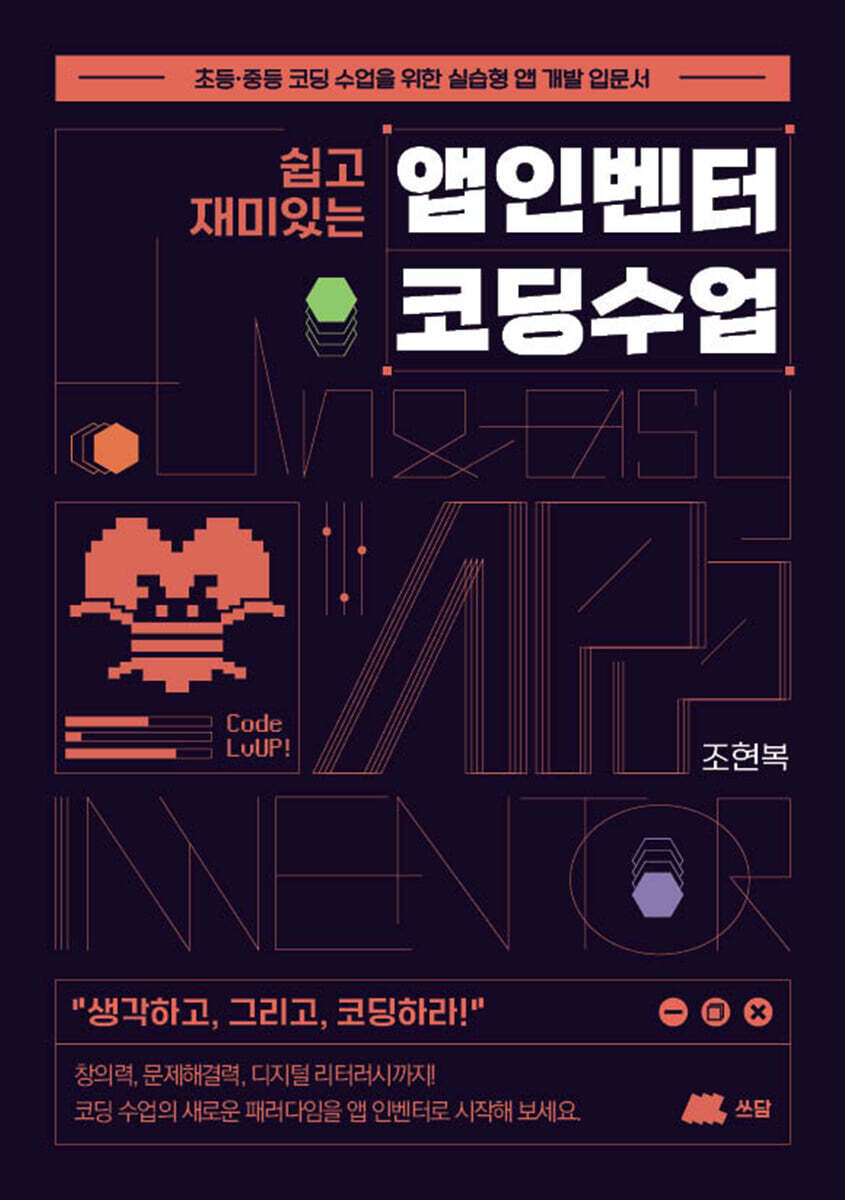
Easy and fun App Inventor coding class
 |
Description
Book Introduction
This textbook is a guide to help educators create vibrant coding classes, packed with proven know-how from actual classrooms.
Coding is not about learning a skill, it's about learning how to think with skills.
Coding is not about learning a skill, it's about learning how to think with skills.
index
prolog
Chapter 1: Learning App Inventor Basics
1.
What is App Inventor?
2.
Setting up your App Inventor development environment
3.
Algorithm
4.
Running App Inventor
Chapter 2: Leveling Up Using Basic Components
1.
Can I press the button?
2.
Label, use like a label
3.
Create your own input app with text boxes
4.
When you press the button, it makes a sound!
5.
Press the button and the picture will change!
6.
When you press the button, a notification window pops up!
7.
Use time and timers!
8.
Draw with your fingers!
9.
You can view the website in the app!
10.
10 Most Used Coding Blocks in App Inventor
Chapter 3: Leveling Up Through Projects
[Project 1] Button App
[Project 2] Create text by pressing a button
[Project 3] Creating My Dictionary of Quotations
[Project 4] App that converts speech into text
[Project 5] An app that translates what you say
[Project 6] Click Game
[Project 7] Timer Alarm App
[Project 8] Calculator App
[Project 9] English Word Card App
[Project 10] Moving Character App
Chapter 4: Comprehensive Project
Create Your Own App Activity Sheet
Planning to create an app
Epilogue
Chapter 1: Learning App Inventor Basics
1.
What is App Inventor?
2.
Setting up your App Inventor development environment
3.
Algorithm
4.
Running App Inventor
Chapter 2: Leveling Up Using Basic Components
1.
Can I press the button?
2.
Label, use like a label
3.
Create your own input app with text boxes
4.
When you press the button, it makes a sound!
5.
Press the button and the picture will change!
6.
When you press the button, a notification window pops up!
7.
Use time and timers!
8.
Draw with your fingers!
9.
You can view the website in the app!
10.
10 Most Used Coding Blocks in App Inventor
Chapter 3: Leveling Up Through Projects
[Project 1] Button App
[Project 2] Create text by pressing a button
[Project 3] Creating My Dictionary of Quotations
[Project 4] App that converts speech into text
[Project 5] An app that translates what you say
[Project 6] Click Game
[Project 7] Timer Alarm App
[Project 8] Calculator App
[Project 9] English Word Card App
[Project 10] Moving Character App
Chapter 4: Comprehensive Project
Create Your Own App Activity Sheet
Planning to create an app
Epilogue
GOODS SPECIFICS
- Date of issue: August 25, 2025
- Page count, weight, size: 146 pages | 148*210*20mm
- ISBN13: 9791199410503
- ISBN10: 1199410500
You may also like
카테고리
korean


korean

![GQ KOREA Mark (Monthly): December [2025]](http://librairie.coreenne.fr/cdn/shop/files/8ef265dbbfbf186523ed75ba7319009d.jpg?v=1765340328&width=3840)


