

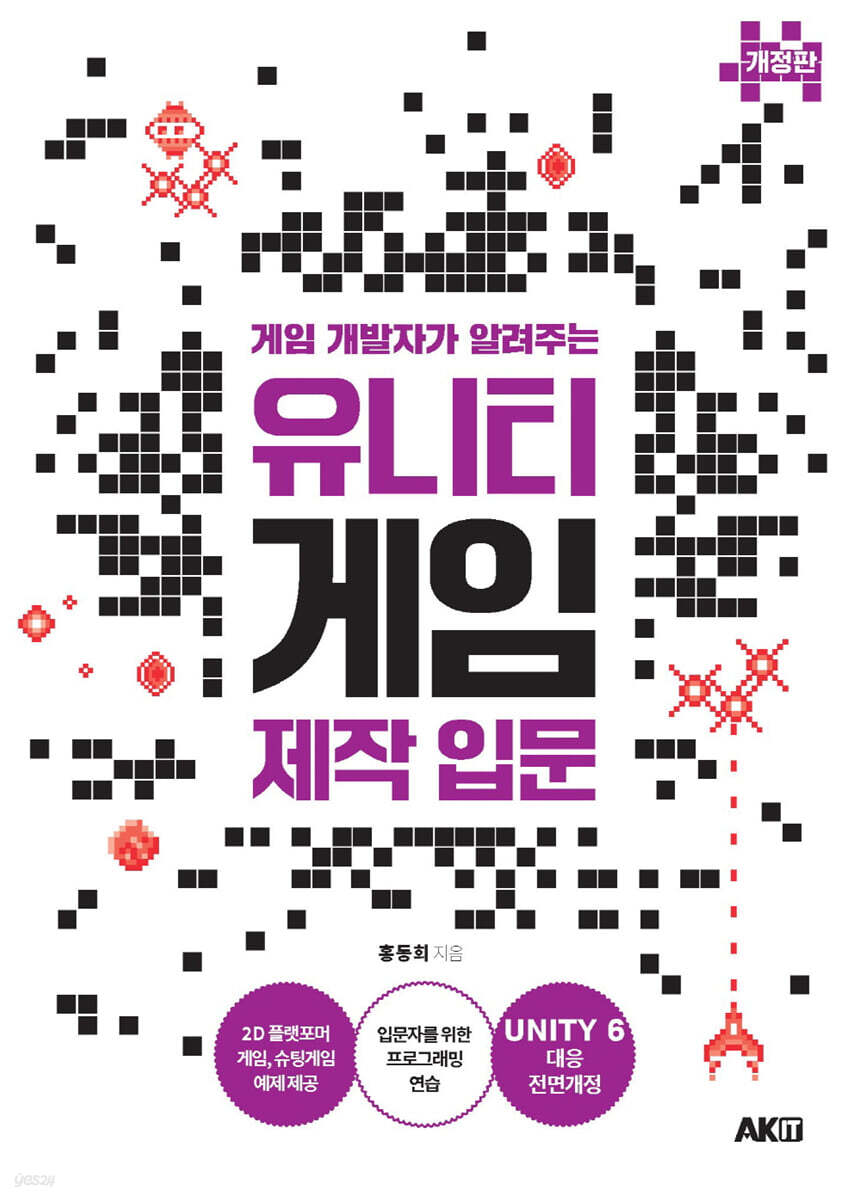
Introduction to Unity Game Development from a Game Developer
 |
Description
Book Introduction
Completely revised version for Unity 6!
A shortcut to getting started with Unity game development!
Experience and know-how in game development shared by an active developer with extensive game development experience!
How do I become a game developer with Unity? To create my own games and acquire the programming skills I desire, I need to practice with a variety of excellent examples suited to my skill level and effectively overcome various obstacles.
So, how do you get started? Even someone who knows nothing about Unity can create the same game by following along. That's where it all starts.
This book contains the author's experience and know-how as he founded Korea's first game venture and is currently working in game development and programming.
We've eliminated unnecessary parts for practical use and organized it so that you can learn only the necessary parts, and make things that are difficult for beginners easy to understand and things that you can learn later.
By following along with the various example games designed for beginners, you will quickly find that your skills for actual game creation will improve.
A shortcut to getting started with Unity game development!
Experience and know-how in game development shared by an active developer with extensive game development experience!
How do I become a game developer with Unity? To create my own games and acquire the programming skills I desire, I need to practice with a variety of excellent examples suited to my skill level and effectively overcome various obstacles.
So, how do you get started? Even someone who knows nothing about Unity can create the same game by following along. That's where it all starts.
This book contains the author's experience and know-how as he founded Korea's first game venture and is currently working in game development and programming.
We've eliminated unnecessary parts for practical use and organized it so that you can learn only the necessary parts, and make things that are difficult for beginners easy to understand and things that you can learn later.
By following along with the various example games designed for beginners, you will quickly find that your skills for actual game creation will improve.
- You can preview some of the book's contents.
Preview
index
Download sample code and contact us
introduction
Chapter 01: The First Step to Becoming a Unity Developer
What you can do with Unity
What you need to use Unity well
Unity Game Engine Library
Chapter 02: Getting Started with Unity Game Development
Sign up for Unity membership
Installing Unity Hub and Unity
Setting up your environment in Unity Hub
Installing Visual Studio
Chapter 03 Creating a Unity Project and Configuring the Editor Screen
Creating a Unity Project
Unity Editor screen layout
Asset Store
Package Manager
Project Settings
Build Settings
Save and exit the scene
Chapter 04 Using Game Objects (Moving, Rotating, and Scaling Objects)
What is a game object?
Creating a game object
Moving and placing game objects
Rotate game objects
Resize game objects
Adjust bounding box size
Component structure
Rotating a game object using script
Creating a Game Object Hierarchy
Making a solar system model
Create a material and change the object's color
Save Scene
Chapter 05: Developing a Basic 2D Game Using Unity
Creating a 2D Project
Converting image assets and creating sprites
Building 2D game levels using sprites
Creating a platform background
Create a main character
Applying Gravity and Rigidbody 2D
Apply character jumping and movement
Chapter 06 Handling User Input
Unity Input Processing Class
Explanation of the keyboard script
Enter mouse button input
Enter mouse coordinates
Joystick input
Touch screen input on mobile devices
Using Input Manager
Keyboard input
Introducing member functions of the Input class
Using the Input System
Chapter 07 How to use various sprites
raster image
Pixel and color modes
Image file format
Types of sprites
Installing the Sprite Editor
sprite sheet
Setting up and using sprite sheets
9 Slicing Sprites
Multi-sprite tight mode
Using vector images
Flip the sprite left and right
Controlling sprites using scripts
Chapter 08 Let's create a user interface
Using Text and Canvas
World space coordinates and screen space coordinates
Button and event handling
Add a button event
Aligning UI Objects: Anchors
Stretch mode
Implementing pop-up window On/Off
Handling the Open button's event
Canvas scale
Chapter 09 Using Prefabs
What is a prefab?
Creating a 3D prefab
Using a single prefab in a script
Running the Prefab Example
Using multiple prefabs in scripts
Layout of prefabs using scripts
Chapter 10 Physics Engine
Features of Unity's physics engine
Applying a physics engine to a rigid body
Using Collider
Colliding Rigidbodies with Colliders
Moving a Rigidbody
Building a Rigidbody Application Demo
Chapter 11 Using Sound Effects
Sound-related resources: Audio files
Using MIDI files
Making a Cuckoo Clock
Create a project
Setting script variables
Hands-on: Creating a Background Music Manager
Using background music and sound effects
Importing custom assets
Commentary on the TestAudio Scene
Chapter 12: Implementing Special Effects Using Particle Systems
Importing particle assets
Using background particle assets
Creating Trail Particles
Particles linked to objects
World particles and local particles
Chapter 13 Animation
Use of 2D animation
Call of the Animation
Comprehensive animation examples
Chapter 14: Creating a Platformer Game
Installing a virtual joystick
Using the virtual joystick
Adjust UI resolution
Implementing sprite animation
Implementing items
Specify the starting location and destination
Displaying a congratulatory message UI
Determination of arrival at destination
Chapter 15 Creating a Shooting Game
Shooting Demo Package
Composition of the game scene
Movement of the player's ship
Implementing obstacles and enemies
Background composition and scrolling
Implementing enemy spaceship movement
Implementing enemy spaceship evasion behavior
Implementing bullet movement
Dealing with off-screen enemies and meteors
Implementing new offensive weapons
What is a quaternion?
Chapter 16 Intermediate Courses to Know After the Basic Course
Running learning examples using the Asset Store
Using the map editor with tiles
Using the texture packer
Using Spine 2D
Device Builds (Desktop, Android, iOS)
In-app purchases
Store data locally
Saving source code to GitHub
Reviews
Search
introduction
Chapter 01: The First Step to Becoming a Unity Developer
What you can do with Unity
What you need to use Unity well
Unity Game Engine Library
Chapter 02: Getting Started with Unity Game Development
Sign up for Unity membership
Installing Unity Hub and Unity
Setting up your environment in Unity Hub
Installing Visual Studio
Chapter 03 Creating a Unity Project and Configuring the Editor Screen
Creating a Unity Project
Unity Editor screen layout
Asset Store
Package Manager
Project Settings
Build Settings
Save and exit the scene
Chapter 04 Using Game Objects (Moving, Rotating, and Scaling Objects)
What is a game object?
Creating a game object
Moving and placing game objects
Rotate game objects
Resize game objects
Adjust bounding box size
Component structure
Rotating a game object using script
Creating a Game Object Hierarchy
Making a solar system model
Create a material and change the object's color
Save Scene
Chapter 05: Developing a Basic 2D Game Using Unity
Creating a 2D Project
Converting image assets and creating sprites
Building 2D game levels using sprites
Creating a platform background
Create a main character
Applying Gravity and Rigidbody 2D
Apply character jumping and movement
Chapter 06 Handling User Input
Unity Input Processing Class
Explanation of the keyboard script
Enter mouse button input
Enter mouse coordinates
Joystick input
Touch screen input on mobile devices
Using Input Manager
Keyboard input
Introducing member functions of the Input class
Using the Input System
Chapter 07 How to use various sprites
raster image
Pixel and color modes
Image file format
Types of sprites
Installing the Sprite Editor
sprite sheet
Setting up and using sprite sheets
9 Slicing Sprites
Multi-sprite tight mode
Using vector images
Flip the sprite left and right
Controlling sprites using scripts
Chapter 08 Let's create a user interface
Using Text and Canvas
World space coordinates and screen space coordinates
Button and event handling
Add a button event
Aligning UI Objects: Anchors
Stretch mode
Implementing pop-up window On/Off
Handling the Open button's event
Canvas scale
Chapter 09 Using Prefabs
What is a prefab?
Creating a 3D prefab
Using a single prefab in a script
Running the Prefab Example
Using multiple prefabs in scripts
Layout of prefabs using scripts
Chapter 10 Physics Engine
Features of Unity's physics engine
Applying a physics engine to a rigid body
Using Collider
Colliding Rigidbodies with Colliders
Moving a Rigidbody
Building a Rigidbody Application Demo
Chapter 11 Using Sound Effects
Sound-related resources: Audio files
Using MIDI files
Making a Cuckoo Clock
Create a project
Setting script variables
Hands-on: Creating a Background Music Manager
Using background music and sound effects
Importing custom assets
Commentary on the TestAudio Scene
Chapter 12: Implementing Special Effects Using Particle Systems
Importing particle assets
Using background particle assets
Creating Trail Particles
Particles linked to objects
World particles and local particles
Chapter 13 Animation
Use of 2D animation
Call of the Animation
Comprehensive animation examples
Chapter 14: Creating a Platformer Game
Installing a virtual joystick
Using the virtual joystick
Adjust UI resolution
Implementing sprite animation
Implementing items
Specify the starting location and destination
Displaying a congratulatory message UI
Determination of arrival at destination
Chapter 15 Creating a Shooting Game
Shooting Demo Package
Composition of the game scene
Movement of the player's ship
Implementing obstacles and enemies
Background composition and scrolling
Implementing enemy spaceship movement
Implementing enemy spaceship evasion behavior
Implementing bullet movement
Dealing with off-screen enemies and meteors
Implementing new offensive weapons
What is a quaternion?
Chapter 16 Intermediate Courses to Know After the Basic Course
Running learning examples using the Asset Store
Using the map editor with tiles
Using the texture packer
Using Spine 2D
Device Builds (Desktop, Android, iOS)
In-app purchases
Store data locally
Saving source code to GitHub
Reviews
Search
Detailed image
Publisher's Review
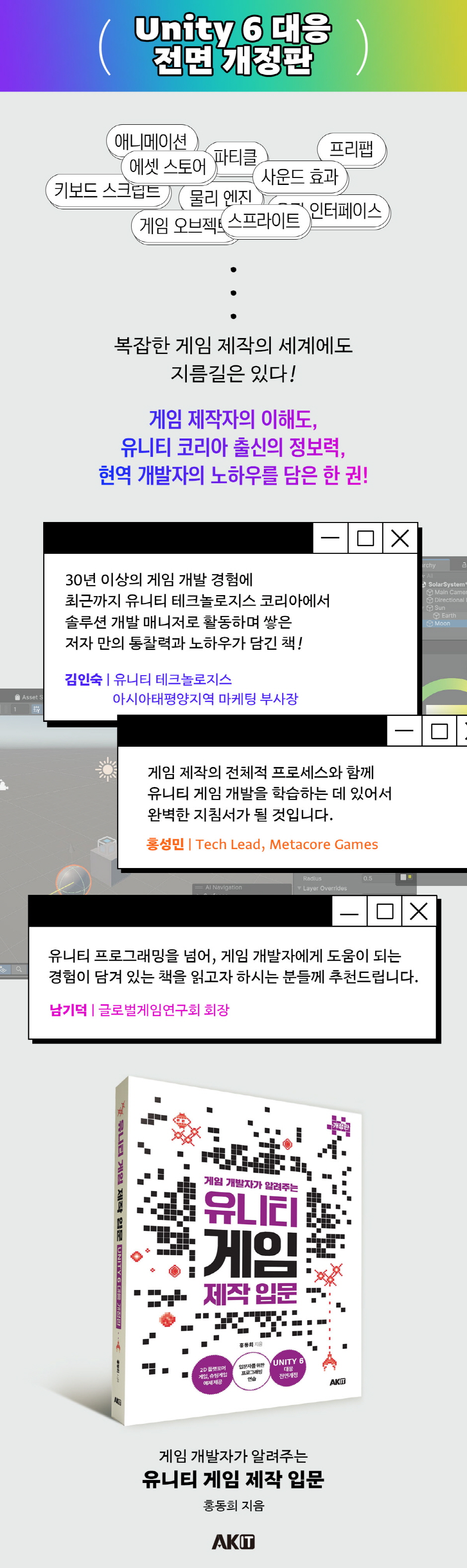
Completely revised version for Unity 6!
-A shortcut to getting started with Unity game development!
- Game development experience and know-how shared by an active developer with extensive game development experience!
-Complex and difficult content later! We'll guide you through the study paths needed for intermediate and advanced levels.
-Provides example games that you can learn while making.
Recommended for these people!
- Anyone who wants to create a game with Unity
- Someone who is completely new to Unity
- Someone who provides training or lectures related to Unity
-A shortcut to getting started with Unity game development!
- Game development experience and know-how shared by an active developer with extensive game development experience!
-Complex and difficult content later! We'll guide you through the study paths needed for intermediate and advanced levels.
-Provides example games that you can learn while making.
Recommended for these people!
- Anyone who wants to create a game with Unity
- Someone who is completely new to Unity
- Someone who provides training or lectures related to Unity
GOODS SPECIFICS
- Date of issue: February 25, 2025
- Page count, weight, size: 368 pages | 189*258*30mm
- ISBN13: 9791127421687
- ISBN10: 1127421689
You may also like
카테고리
korean


korean

![GQ KOREA Mark (Monthly): December [2025]](http://librairie.coreenne.fr/cdn/shop/files/8ef265dbbfbf186523ed75ba7319009d.jpg?v=1765340328&width=3840)


