

NEW My Friend's Game Typing King
 |
Description
Book Introduction
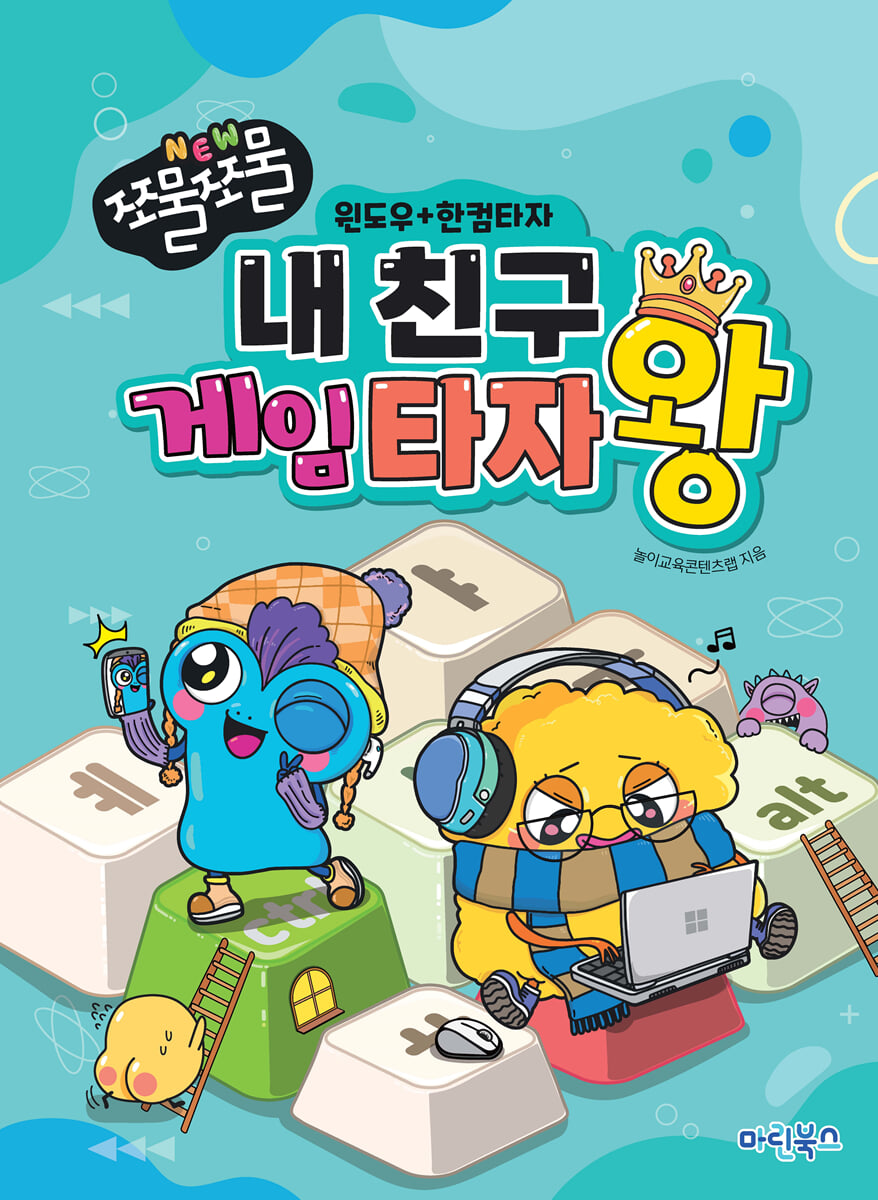
This is a basic computer textbook designed to help students learning computers for the first time enjoyably learn the basics of Windows and typing.
You can learn how to use the keyboard by using the Hancom Typing Practice offline program.
You can improve your typing skills by practicing “seat practice,” “word practice,” and “short sentence practice” step by step, and you can practice typing in an exciting and fun way through typing games.
You can learn how to use the keyboard by using the Hancom Typing Practice offline program.
You can improve your typing skills by practicing “seat practice,” “word practice,” and “short sentence practice” step by step, and you can practice typing in an exciting and fun way through typing games.
- You can preview some of the book's contents.
Preview
index
Lesson 1: First encounter with a computer!
Lesson 2: Using the Keyboard
Lesson 3: Using the Mouse
Lesson 4: Running the App
Lesson 5: Manipulating Windows as I Wish
Lesson 6: Managing Windows
Lesson 7: Switching and Hiding Windows
Lesson 8: Changing the desktop and theme
Lesson 9: Coloring with the Paint app
Lesson 10: Creating a New Folder
Lesson 11: Changing Folder Shapes and Classifying Files
I learned this much in Lesson 12
Lesson 13: Moving Files to Folders
Lesson 14 Copying files to a folder
Lesson 15: Finding Hidden Files
Lesson 16: Deleting and Restoring Files
Lesson 17: Compressing and Decompressing Files
Lesson 18: Installing and Deleting Apps
Lesson 19: Using Sticky Notes and Emojis
Lesson 20: Capturing the desired image
Lesson 21: Exploring Career Interests Online
Lesson 22: Using the Calculator App
Lesson 23: Creating a Fairy Tale with Paint
I learned this much in lesson 24
[Appendix] Santa Tracker
Lesson 2: Using the Keyboard
Lesson 3: Using the Mouse
Lesson 4: Running the App
Lesson 5: Manipulating Windows as I Wish
Lesson 6: Managing Windows
Lesson 7: Switching and Hiding Windows
Lesson 8: Changing the desktop and theme
Lesson 9: Coloring with the Paint app
Lesson 10: Creating a New Folder
Lesson 11: Changing Folder Shapes and Classifying Files
I learned this much in Lesson 12
Lesson 13: Moving Files to Folders
Lesson 14 Copying files to a folder
Lesson 15: Finding Hidden Files
Lesson 16: Deleting and Restoring Files
Lesson 17: Compressing and Decompressing Files
Lesson 18: Installing and Deleting Apps
Lesson 19: Using Sticky Notes and Emojis
Lesson 20: Capturing the desired image
Lesson 21: Exploring Career Interests Online
Lesson 22: Using the Calculator App
Lesson 23: Creating a Fairy Tale with Paint
I learned this much in lesson 24
[Appendix] Santa Tracker
Publisher's Review
★ Fun typing practice
You can learn how to use the keyboard by using the Hancom Typing Practice offline program.
You can improve your typing skills by performing "Seat Practice," "Word Practice," and "Short Text Practice" step by step, and you can practice typing in an exciting and fun way through typing games.
★ Basic computer knowledge
Students who are new to computers can learn the basics easily and enjoyably.
★ Includes a supplementary chapter with Santa Tracker
By utilizing the various contents of the Santa Tracker provided as an appendix, you can increase your interest and concentration in computers and become good at using the mouse and keyboard.
You can learn how to use the keyboard by using the Hancom Typing Practice offline program.
You can improve your typing skills by performing "Seat Practice," "Word Practice," and "Short Text Practice" step by step, and you can practice typing in an exciting and fun way through typing games.
★ Basic computer knowledge
Students who are new to computers can learn the basics easily and enjoyably.
★ Includes a supplementary chapter with Santa Tracker
By utilizing the various contents of the Santa Tracker provided as an appendix, you can increase your interest and concentration in computers and become good at using the mouse and keyboard.
GOODS SPECIFICS
- Date of issue: February 20, 2025
- Page count, weight, size: 120 pages | 210*287*20mm
- ISBN13: 9791192119564
- ISBN10: 1192119568
- KC Certification: Certification Type: Conformity Confirmation
You may also like
카테고리
korean


korean

![GQ KOREA Mark (Monthly): December [2025]](http://librairie.coreenne.fr/cdn/shop/files/8ef265dbbfbf186523ed75ba7319009d.jpg?v=1765340328&width=3840)


