

Learn Arduino and 40 Projects While Making
 |
Description
Book Introduction
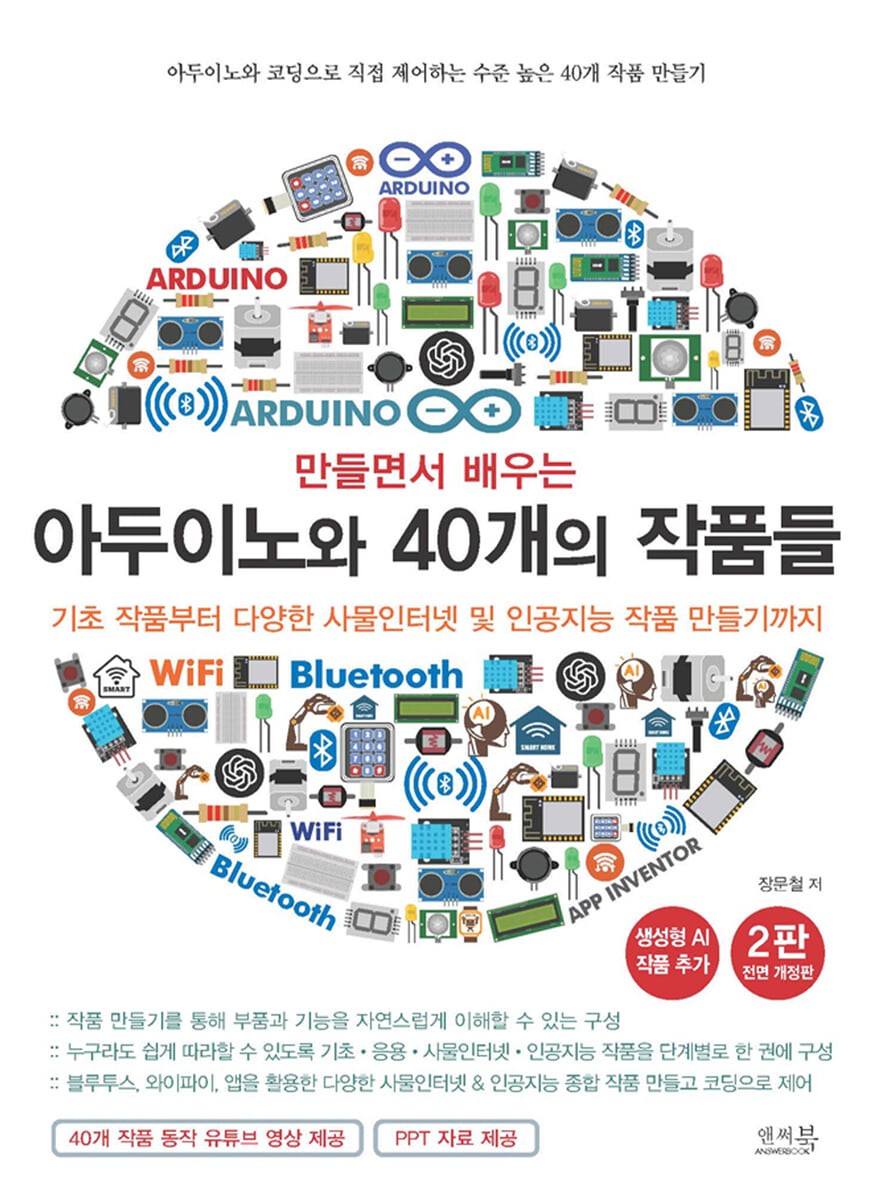
"Learning Arduino and 40 Works by Making" has been published in a revised edition with significantly enhanced content and the latest features.
The book is structured in a way that allows you to learn by creating 40 basic/applied/Internet of Things/Internet of Things and AI fusion comprehensive works yourself, and to approach them step by step.
To make it easier for middle and high school students and liberal arts students to learn, we'll cover the core fundamentals of Arduino and introduce you with simple examples. Then, we'll create various IoT and AI projects using Bluetooth, Wi-Fi, and apps, and control them directly through coding.
This book covers the basic functions of Arduino and then progresses through a three-step process with a total of 40 works.
The book is structured in a way that allows you to learn by creating 40 basic/applied/Internet of Things/Internet of Things and AI fusion comprehensive works yourself, and to approach them step by step.
To make it easier for middle and high school students and liberal arts students to learn, we'll cover the core fundamentals of Arduino and introduce you with simple examples. Then, we'll create various IoT and AI projects using Bluetooth, Wi-Fi, and apps, and control them directly through coding.
This book covers the basic functions of Arduino and then progresses through a three-step process with a total of 40 works.
index
Chapter 01 Learning Arduino and its Basic Functions
01_1 What is Arduino?
01_2 What is open source and open source hardware?
Arduino board types
Installing the Arduino development environment
01_3 Controlling Arduino LEDs
01_4 Arduino Serial Communication
Sending serial communication data from Arduino to PC
01_5 Turn the LED on and off according to the transmitted data
Chapter 02 Creating Basic Works
02_1 Making a warning light to warn of danger
02_2 Making a warning light to display on a police car
Adding additional features to the beacon
02_3 Implementation of a traffic light using LEDs
02_4 Making an LED stand 1_ Using a variable resistor
02_5 Making an electronic piano using switches and buzzers
02_6 Making a light that turns on automatically when it gets dark
02_7 Making a Gas/Smoke Detector
02_8 Making a fire alarm LED guide light
02_9 Making a light controlled by the sound of clapping
02_10 Creating a light that turns on automatically when motion is detected _ Using a human body detection sensor
02_11 Making a rain-sensing smart window
Creating a smart window appearance
02_12 Making a piano using ultrasonic sensors
02_13 Making a smart fan using an ultrasonic sensor
02_14 Making an automatically opening trash can using an ultrasonic sensor (making the exterior)
Chapter 03 Creating Applied Works
03_15 Making an LED Stand 2
03_16 Making a smart traffic light using an ultrasonic sensor
03_17 Press the switch a lot game
03_18 Creating a temperature and humidity discomfort index indicator
03_19 Making a push-up counter using an ultrasonic sensor
03_20 Making a height measuring device using an ultrasonic sensor (making the exterior)
03_21 Making an anti-theft device using an acceleration/gyro sensor
03_22 Making an earthquake detector using an acceleration gyroscope sensor
03_23 Making a Smart Door Lock
03_24 Making a turntable using a DC motor
03_25 Making an analog temperature display using a servo motor
03_26 Controlling the fan using an infrared remote control
03_27 Creating a Time Bomb Game
03_28 Making a clock that keeps time even when the power is off
03_29 Creating a Temperature and Humidity Sensor Data Logger
Chapter 04 Creating IoT Applications
04_30 Bluetooth LE Smart Lighting Control (Arduino + App Inventor)
04_31 Bluetooth LE Intruder Detection Alert (Arduino + App Inventor)
04_32 Recording Temperature and Humidity with Bluetooth LE App Inventor (Arduino + App Inventor)
04_33 Internet of Things _ Making an Internet Time Display Device (ESP8266 WIFI)
04_34 Internet of Things _ Making a weather display device for the Korea Meteorological Administration (ESP8266 WIFI)
04_35 Internet of Things _ Creating a fine dust indicator using public data (ESP8266 WIFI)
04_36 Creating code using ChatGPT
04_37 Internet of Things _ Automatically receiving lottery numbers and displaying them on the LCD (ESP8266 WIFI)
Chapter 05: Creating a Comprehensive Work of IoT & AI
05_38 Internet of Things _ Monitoring your home's temperature, humidity, and light levels from anywhere (ESP8266 WIFI + Firebase + App Inventor)
Firebase
Setting up Firebase
Creating an ESP8266 Arduino Program
Create and check apps with App Inventor
05_39 Internet of Things _ Creating a Smart Switch Controller Anywhere (ESP8266 WIFI + Firebase + App Inventor)
Sending light values to Firebase
05_40 Artificial Intelligence_Building a Machine Learning Gesture Classifier
01_1 What is Arduino?
01_2 What is open source and open source hardware?
Arduino board types
Installing the Arduino development environment
01_3 Controlling Arduino LEDs
01_4 Arduino Serial Communication
Sending serial communication data from Arduino to PC
01_5 Turn the LED on and off according to the transmitted data
Chapter 02 Creating Basic Works
02_1 Making a warning light to warn of danger
02_2 Making a warning light to display on a police car
Adding additional features to the beacon
02_3 Implementation of a traffic light using LEDs
02_4 Making an LED stand 1_ Using a variable resistor
02_5 Making an electronic piano using switches and buzzers
02_6 Making a light that turns on automatically when it gets dark
02_7 Making a Gas/Smoke Detector
02_8 Making a fire alarm LED guide light
02_9 Making a light controlled by the sound of clapping
02_10 Creating a light that turns on automatically when motion is detected _ Using a human body detection sensor
02_11 Making a rain-sensing smart window
Creating a smart window appearance
02_12 Making a piano using ultrasonic sensors
02_13 Making a smart fan using an ultrasonic sensor
02_14 Making an automatically opening trash can using an ultrasonic sensor (making the exterior)
Chapter 03 Creating Applied Works
03_15 Making an LED Stand 2
03_16 Making a smart traffic light using an ultrasonic sensor
03_17 Press the switch a lot game
03_18 Creating a temperature and humidity discomfort index indicator
03_19 Making a push-up counter using an ultrasonic sensor
03_20 Making a height measuring device using an ultrasonic sensor (making the exterior)
03_21 Making an anti-theft device using an acceleration/gyro sensor
03_22 Making an earthquake detector using an acceleration gyroscope sensor
03_23 Making a Smart Door Lock
03_24 Making a turntable using a DC motor
03_25 Making an analog temperature display using a servo motor
03_26 Controlling the fan using an infrared remote control
03_27 Creating a Time Bomb Game
03_28 Making a clock that keeps time even when the power is off
03_29 Creating a Temperature and Humidity Sensor Data Logger
Chapter 04 Creating IoT Applications
04_30 Bluetooth LE Smart Lighting Control (Arduino + App Inventor)
04_31 Bluetooth LE Intruder Detection Alert (Arduino + App Inventor)
04_32 Recording Temperature and Humidity with Bluetooth LE App Inventor (Arduino + App Inventor)
04_33 Internet of Things _ Making an Internet Time Display Device (ESP8266 WIFI)
04_34 Internet of Things _ Making a weather display device for the Korea Meteorological Administration (ESP8266 WIFI)
04_35 Internet of Things _ Creating a fine dust indicator using public data (ESP8266 WIFI)
04_36 Creating code using ChatGPT
04_37 Internet of Things _ Automatically receiving lottery numbers and displaying them on the LCD (ESP8266 WIFI)
Chapter 05: Creating a Comprehensive Work of IoT & AI
05_38 Internet of Things _ Monitoring your home's temperature, humidity, and light levels from anywhere (ESP8266 WIFI + Firebase + App Inventor)
Firebase
Setting up Firebase
Creating an ESP8266 Arduino Program
Create and check apps with App Inventor
05_39 Internet of Things _ Creating a Smart Switch Controller Anywhere (ESP8266 WIFI + Firebase + App Inventor)
Sending light values to Firebase
05_40 Artificial Intelligence_Building a Machine Learning Gesture Classifier
Detailed image

Publisher's Review
This book is organized by difficulty and level, with 40 project exercises so that even middle and high school students and liberal arts students can learn!
All the basics, applications, Internet of Things, and artificial intelligence work are included in one book, step by step, so that anyone can easily follow along.
Most students learning Arduino will have a difficult time creating actual projects after learning about the various Arduino components and sensors, or will have a difficult time not knowing where to start.
This book consists of 40 practical works that help you overcome such difficulties, including the methods needed to create works.
Since the overall content of the book is centered around the work, it is easy to understand as it emphasizes the explanation of the parts necessary to create the work rather than detailed explanations of parts or functions.
The book is structured so that when creating a work, rather than creating the entire work at once, the work can be completed by testing each function and part and confirming that it is functioning properly before adding the next function and part.
When writing code by configuring various functions and parts at once, it is difficult to find where the error is when it does not work, so we made it possible to find out which part is wrong.
This book is structured so that by adjusting the difficulty level for each chapter, you will become an Arduino expert by creating all 40 pieces.
I highly recommend this as a textbook for lectures on Arduino, as well as for personal self-study.
▶ Step 1: Creating the Basic Work
Let's create 14 basic projects that will solidify the fundamentals of Arduino.
▶ Step 2: Create an application work
Create 15 application pieces for various purposes that can be applied beyond the basics.
▶ Step 3: Creating IoT and AI Works
We will create 11 comprehensive IoT AI fusion works, including various IoT, AI, and machine learning, utilizing everything from Bluetooth and Wi-Fi to app creation.
For the full practical part of this book, see pages 6-7.
For example source code and how to ask the author questions, see pages 4-5.
All the basics, applications, Internet of Things, and artificial intelligence work are included in one book, step by step, so that anyone can easily follow along.
Most students learning Arduino will have a difficult time creating actual projects after learning about the various Arduino components and sensors, or will have a difficult time not knowing where to start.
This book consists of 40 practical works that help you overcome such difficulties, including the methods needed to create works.
Since the overall content of the book is centered around the work, it is easy to understand as it emphasizes the explanation of the parts necessary to create the work rather than detailed explanations of parts or functions.
The book is structured so that when creating a work, rather than creating the entire work at once, the work can be completed by testing each function and part and confirming that it is functioning properly before adding the next function and part.
When writing code by configuring various functions and parts at once, it is difficult to find where the error is when it does not work, so we made it possible to find out which part is wrong.
This book is structured so that by adjusting the difficulty level for each chapter, you will become an Arduino expert by creating all 40 pieces.
I highly recommend this as a textbook for lectures on Arduino, as well as for personal self-study.
▶ Step 1: Creating the Basic Work
Let's create 14 basic projects that will solidify the fundamentals of Arduino.
▶ Step 2: Create an application work
Create 15 application pieces for various purposes that can be applied beyond the basics.
▶ Step 3: Creating IoT and AI Works
We will create 11 comprehensive IoT AI fusion works, including various IoT, AI, and machine learning, utilizing everything from Bluetooth and Wi-Fi to app creation.
For the full practical part of this book, see pages 6-7.
For example source code and how to ask the author questions, see pages 4-5.
GOODS SPECIFICS
- Date of issue: December 25, 2024
- Page count, weight, size: 400 pages | 832g | 190*257*16mm
- ISBN13: 9791193059425
- ISBN10: 1193059429
You may also like
카테고리
korean


korean

![GQ KOREA Mark (Monthly): December [2025]](http://librairie.coreenne.fr/cdn/shop/files/8ef265dbbfbf186523ed75ba7319009d.jpg?v=1765340328&width=3840)


