

Coding: Creating Your Own Imagination Playground with Roblox
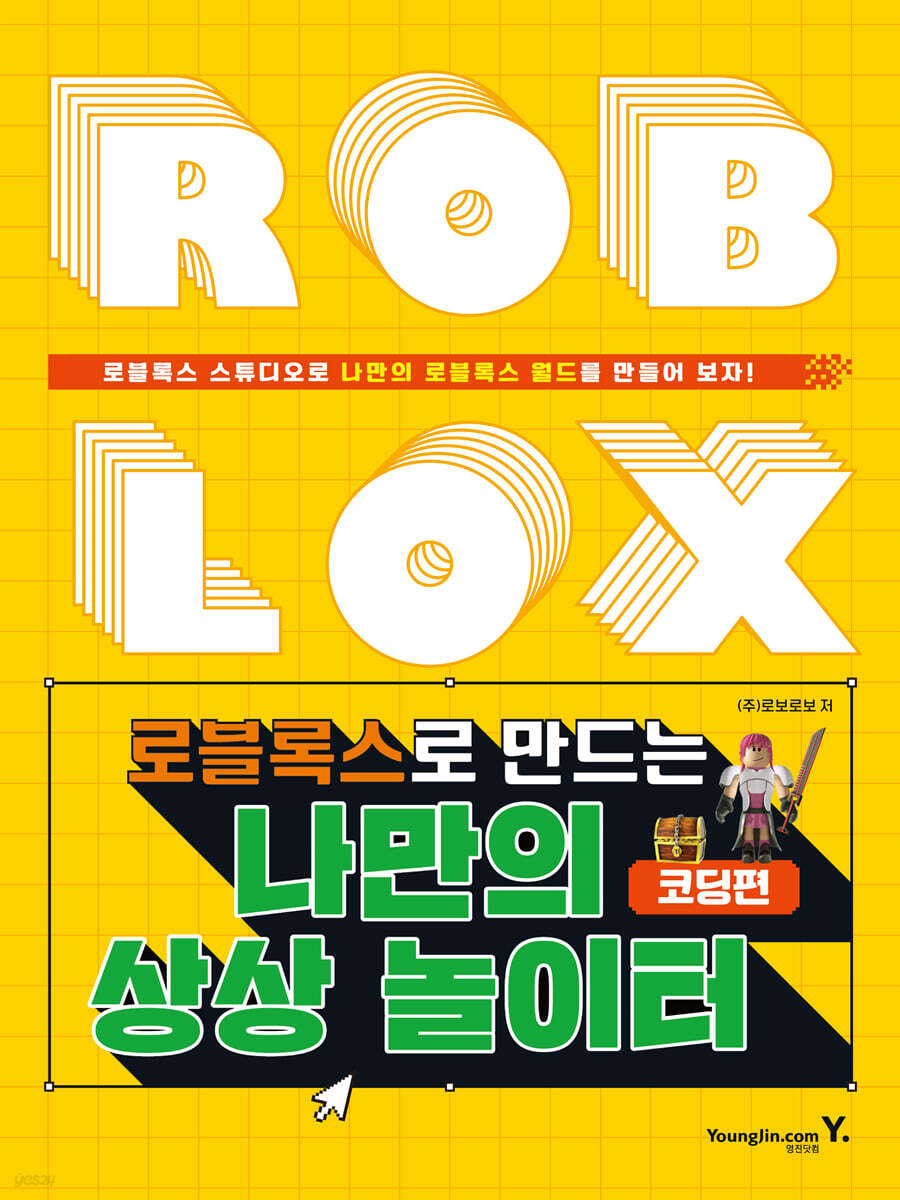 |
Description
Book Introduction
The world of the metaverse meets Roblox Studio and the Lua language!
Learn to code while playing in Roblox!
ROBLOX is the world's largest metaverse platform where you can play various types of games, including simulations, PVP, and RPGs, and even create your own games.
In Roblox, I can quickly and easily create anything I can imagine, including amusement parks, volcano islands, and cities. I can also invite my friends to join me in the spaces I create.
This book is designed to help you learn the basics of Lua coding in a fun way by directly manipulating various parts in Roblox Studio.
By creating parts that continuously change color, parts that glow, parts that change color when touched, etc., you will learn basic Lua scripting such as variables, loops, and conditional statements. Then, you will do some simple practice and see the visual results.
It guides you step-by-step with images, so even those who are new to Roblox and coding can easily follow along. At the end of each chapter, in the 'I can do it on my own' section, you can apply what you've learned to create more extensive programs.
Additionally, we provide source code and completed files so you can refer to them to complete your own special game.
Let's create a Roblox world with "My Imagination Playground with Roblox"!
Learn to code while playing in Roblox!
ROBLOX is the world's largest metaverse platform where you can play various types of games, including simulations, PVP, and RPGs, and even create your own games.
In Roblox, I can quickly and easily create anything I can imagine, including amusement parks, volcano islands, and cities. I can also invite my friends to join me in the spaces I create.
This book is designed to help you learn the basics of Lua coding in a fun way by directly manipulating various parts in Roblox Studio.
By creating parts that continuously change color, parts that glow, parts that change color when touched, etc., you will learn basic Lua scripting such as variables, loops, and conditional statements. Then, you will do some simple practice and see the visual results.
It guides you step-by-step with images, so even those who are new to Roblox and coding can easily follow along. At the end of each chapter, in the 'I can do it on my own' section, you can apply what you've learned to create more extensive programs.
Additionally, we provide source code and completed files so you can refer to them to complete your own special game.
Let's create a Roblox world with "My Imagination Playground with Roblox"!
- You can preview some of the book's contents.
Preview
index
CHAPTER 1: Variable! Who are you?
Learn Lua Coding
CHAPTER 2 While! Planning a Dance Party
Learn to code
I can do it on my own too
CHAPTER 3 I saw the if statement! I didn't see it!
Learn to code
I can do it on my own too
CHAPTER 4 for-moon shining lights
Learn to code
I can do it on my own too
CHAPTER 5 FUNCTIONS Turn off the lights!
Learn to code
I can do it on my own too
CHAPTER 6 Event Functions: The God of Destruction
Learn to code
I can do it on my own too
CHAPTER 7 Teleport to wherever you want!
Learn to code
I can do it on my own too
CHAPTER 8 Tables in order
Learn to code
I can do it on my own too
CHAPTER 9 Speed Up! Jump Up!
Learn to code
I can do it on my own too
CHAPTER 10 Earning Points
Learn to code
I can do it on my own too
CHAPTER 11 Cross within the limited time!
Learn to code
I can do it on my own too
CHAPTER 12 I can't go back to the beginning!
Learn to code
I can do it on my own too
Learn Lua Coding
CHAPTER 2 While! Planning a Dance Party
Learn to code
I can do it on my own too
CHAPTER 3 I saw the if statement! I didn't see it!
Learn to code
I can do it on my own too
CHAPTER 4 for-moon shining lights
Learn to code
I can do it on my own too
CHAPTER 5 FUNCTIONS Turn off the lights!
Learn to code
I can do it on my own too
CHAPTER 6 Event Functions: The God of Destruction
Learn to code
I can do it on my own too
CHAPTER 7 Teleport to wherever you want!
Learn to code
I can do it on my own too
CHAPTER 8 Tables in order
Learn to code
I can do it on my own too
CHAPTER 9 Speed Up! Jump Up!
Learn to code
I can do it on my own too
CHAPTER 10 Earning Points
Learn to code
I can do it on my own too
CHAPTER 11 Cross within the limited time!
Learn to code
I can do it on my own too
CHAPTER 12 I can't go back to the beginning!
Learn to code
I can do it on my own too
Detailed image

Publisher's Review
CHAPTER 1: Variable! Who are you?
In the 'Coding section', we will use the 'Lua' language to make parts appear and disappear or move naturally.
In Roblox, anything written in 'Lua' code is stored in 'scripts', and using 'Lua scripts', you can create interactive modes that respond to events that occur in the game.
CHAPTER 2 While! Planning a Dance Party
When you want to keep a situation going in your game, you can use loops to repeat your code multiple times.
Loops can be set to repeat a specified number of times, repeat infinitely, etc.
This time, we will try to write code that repeats infinitely using the 'while loop'.
A loop continually evaluates 'true' and 'false'.
If true, the code is executed, if false, the loop ends and the next code is executed.
CHAPTER 3 I saw the if statement! I didn't see it!
We always make decisions based on certain conditions.
The same goes for Roblox.
You can create programs that behave differently depending on conditions such as 'Is it night now?' or 'Can you see Obby?'
A typical example is the 'if statement', which determines whether to execute specific code based on conditions.
Learn about the 'if statement', a powerful tool that can control the execution flow of a program.
CHAPTER 4 for-moon shining lights
There are several ways to keep your code running continuously.
If you want to make sure that your code runs a certain number of times, use a 'for loop'.
The 'for loop' can be used to create a countdown timer that ticks every second.
If you want to repeat it infinitely, you can use the 'while loop' that we learned earlier.
This time, we will create a ‘glowing light’ using the ‘for loop’.
CHAPTER 5 FUNCTIONS Turn off the lights!
A 'Function' is a set of commands that can be used multiple times in a script.
It is built into most programming languages, and Lua also has pre-built functions such as 'print( )' and 'wait( )'.
You can create your own custom 'functions' for frequently used code, and even create functions that list them like steps in a recipe.
CHAPTER 6 Event Functions: The God of Destruction
Every object has events that can be used to establish a causal system.
Events signal when something specific happens in the game, such as a player touching an object or making a connection to the game.
Representative functions include 'Wait', 'Connect', and 'Disconnect'.
It can cause collisions with other parts and can also cause damage to the player.
These events bring the game to life.
CHAPTER 7 Teleport to wherever you want!
The Roblox world is so large that teleportation needs to be implemented for the game to function properly.
If you have multiple towns, castles, and forests, you can make each one a separate location and teleport players to specific points.
And you also use teleportation as you level up in the game.
In this lesson, we'll learn how to teleport using two methods.
CHAPTER 8 Tables in order
In Roblox, tables are Lua's only synthetic data structure, a way to group multiple values together.
Unlike variables, which store only a single value, tables do not have a fixed size and can store a mix of different types of values.
You can use tables to group statistics for in-game items or create lists of thousands of player names.
CHAPTER 9 Speed Up! Jump Up!
Speed-ups give players special abilities that allow them to move faster.
To create a speed boost power-up that temporarily allows the player to walk faster, an if/then statement checks whether the entity that needs the speed boost is the player and whether the player is active.
Jump up works to get higher with the same code.
In this lesson, we will learn code that can increase the speed of the part quickly and high.
CHAPTER 10 Earning Points
Roblox has a built-in leaderboard system that displays various information about players, such as scores, race rankings, and arrival times.
The leaderboard can use conditional statements to award or deduct points based on what color a piece is when touched.
CHAPTER 11 Cross within the limited time!
Let's create a simple mini-game based on what we've learned so far.
Practice with various examples, such as crossing a bridge within a limited time to reach the destination or stepping on a block to increase speed and reach the destination faster.
CHAPTER 12 I can't go back to the beginning!
What if you were to be eliminated mid-game and have to start over from the beginning? You'd have to complete jump missions again, reacquire items, and so on, which would be a huge hassle.
In this lesson, we'll use the 'checkpoint' feature to enable restarting midway through without any separate coding.
In the 'Coding section', we will use the 'Lua' language to make parts appear and disappear or move naturally.
In Roblox, anything written in 'Lua' code is stored in 'scripts', and using 'Lua scripts', you can create interactive modes that respond to events that occur in the game.
CHAPTER 2 While! Planning a Dance Party
When you want to keep a situation going in your game, you can use loops to repeat your code multiple times.
Loops can be set to repeat a specified number of times, repeat infinitely, etc.
This time, we will try to write code that repeats infinitely using the 'while loop'.
A loop continually evaluates 'true' and 'false'.
If true, the code is executed, if false, the loop ends and the next code is executed.
CHAPTER 3 I saw the if statement! I didn't see it!
We always make decisions based on certain conditions.
The same goes for Roblox.
You can create programs that behave differently depending on conditions such as 'Is it night now?' or 'Can you see Obby?'
A typical example is the 'if statement', which determines whether to execute specific code based on conditions.
Learn about the 'if statement', a powerful tool that can control the execution flow of a program.
CHAPTER 4 for-moon shining lights
There are several ways to keep your code running continuously.
If you want to make sure that your code runs a certain number of times, use a 'for loop'.
The 'for loop' can be used to create a countdown timer that ticks every second.
If you want to repeat it infinitely, you can use the 'while loop' that we learned earlier.
This time, we will create a ‘glowing light’ using the ‘for loop’.
CHAPTER 5 FUNCTIONS Turn off the lights!
A 'Function' is a set of commands that can be used multiple times in a script.
It is built into most programming languages, and Lua also has pre-built functions such as 'print( )' and 'wait( )'.
You can create your own custom 'functions' for frequently used code, and even create functions that list them like steps in a recipe.
CHAPTER 6 Event Functions: The God of Destruction
Every object has events that can be used to establish a causal system.
Events signal when something specific happens in the game, such as a player touching an object or making a connection to the game.
Representative functions include 'Wait', 'Connect', and 'Disconnect'.
It can cause collisions with other parts and can also cause damage to the player.
These events bring the game to life.
CHAPTER 7 Teleport to wherever you want!
The Roblox world is so large that teleportation needs to be implemented for the game to function properly.
If you have multiple towns, castles, and forests, you can make each one a separate location and teleport players to specific points.
And you also use teleportation as you level up in the game.
In this lesson, we'll learn how to teleport using two methods.
CHAPTER 8 Tables in order
In Roblox, tables are Lua's only synthetic data structure, a way to group multiple values together.
Unlike variables, which store only a single value, tables do not have a fixed size and can store a mix of different types of values.
You can use tables to group statistics for in-game items or create lists of thousands of player names.
CHAPTER 9 Speed Up! Jump Up!
Speed-ups give players special abilities that allow them to move faster.
To create a speed boost power-up that temporarily allows the player to walk faster, an if/then statement checks whether the entity that needs the speed boost is the player and whether the player is active.
Jump up works to get higher with the same code.
In this lesson, we will learn code that can increase the speed of the part quickly and high.
CHAPTER 10 Earning Points
Roblox has a built-in leaderboard system that displays various information about players, such as scores, race rankings, and arrival times.
The leaderboard can use conditional statements to award or deduct points based on what color a piece is when touched.
CHAPTER 11 Cross within the limited time!
Let's create a simple mini-game based on what we've learned so far.
Practice with various examples, such as crossing a bridge within a limited time to reach the destination or stepping on a block to increase speed and reach the destination faster.
CHAPTER 12 I can't go back to the beginning!
What if you were to be eliminated mid-game and have to start over from the beginning? You'd have to complete jump missions again, reacquire items, and so on, which would be a huge hassle.
In this lesson, we'll use the 'checkpoint' feature to enable restarting midway through without any separate coding.
GOODS SPECIFICS
- Date of issue: May 31, 2022
- Page count, weight, size: 200 pages | 432g | 180*240*9mm
- ISBN13: 9788931466355
- ISBN10: 8931466358
You may also like
카테고리
korean


korean

![GQ KOREA Mark (Monthly): December [2025]](http://librairie.coreenne.fr/cdn/shop/files/8ef265dbbfbf186523ed75ba7319009d.jpg?v=1765340328&width=3840)


