

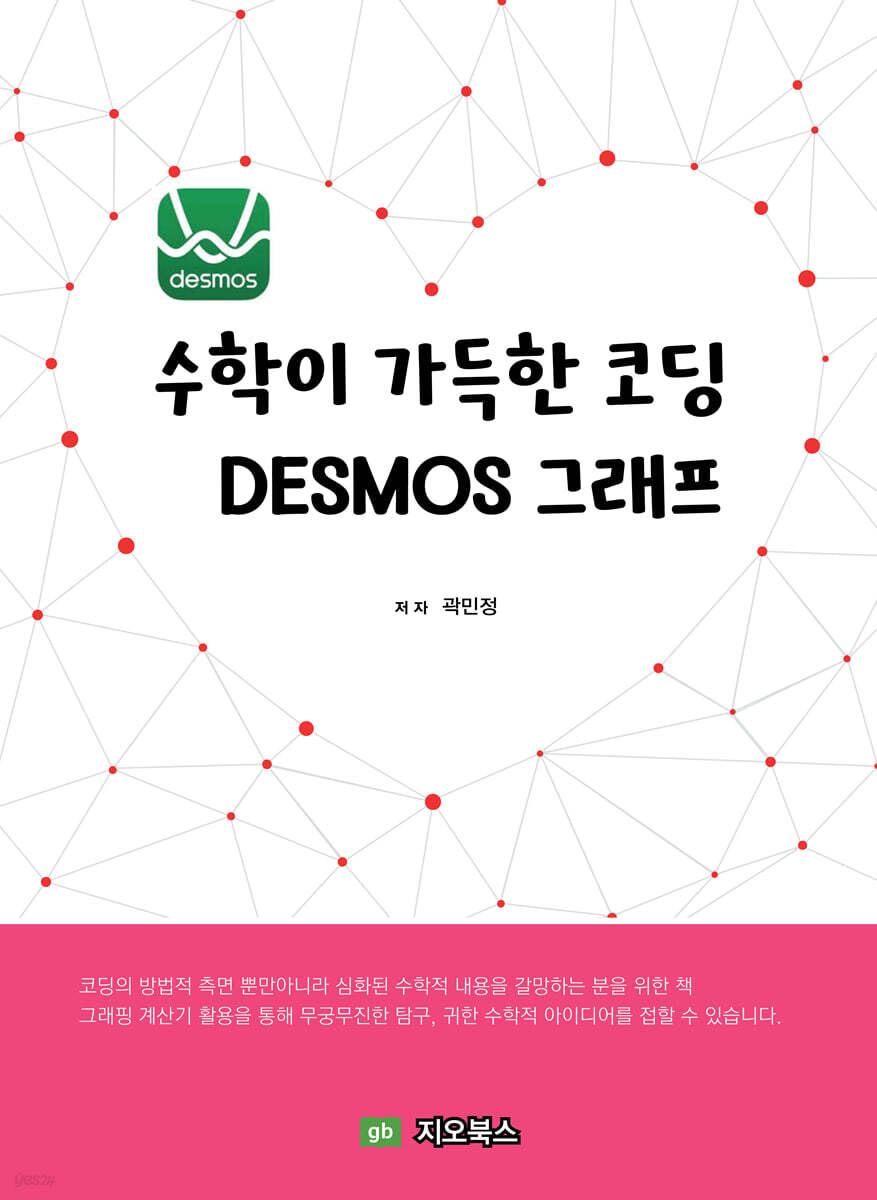
DESMOS graphs, a coding tool full of math
 |
Description
Book Introduction
The reason I titled it "Coding Full of Math - Desmos Graphs" is because when implementing a desired topic with a graph, there were many cases where the mathematical concepts learned in the classroom were incorporated into coding methods such as conditions, repetition, function settings, and variable updates.
The Desmos graphing calculator is a tool that lets you practice how the math you learn in school can be applied practically.
I repeatedly opened it again and looked into each topic steadily, and as a result, I realized that most of the content was sufficiently understandable within the middle and high school mathematics curriculum.
Chapter 3 of this book analyzes 13 graph topics in detail, including the Sierpinski triangle, table tennis game, and implementation of the binomial distributor. To help you understand the topics step by step, relatively easy practice problems related to Chapter 3 are presented in the beginning.
Working on the Desmos graph has shown me how useful trigonometry is for simulating the movement of objects and for projecting three-dimensional space onto a plane so that it can be observed on a computer screen.
The sign of the determinant allows for natural three-dimensional observation, and the periodic function allows for the creation of beautiful movement in the image.
To express the bounce of a ball in a table tennis game, a quadratic function is used, and to create a screen where perspective is applied, a fractional function is used.
In particular, the mathematical concepts used when implementing the binomial distributor are very interesting as they are diverse, including sequences, inverse functions, sums of sequences, quadratic functions, periodic functions, internal division points of line segments, and movement of shapes.
There are so many uses for graphing calculators that I still don't know much about, but I've already learned so many valuable mathematical ideas from the topics I've studied so far.
I am confident that these ideas will help students studying mathematics find mathematics more interesting.
I am confident that this book will be of great benefit to readers who desire in-depth mathematical content as well as the methodological aspects of coding.
The Desmos graphing calculator is a tool that lets you practice how the math you learn in school can be applied practically.
I repeatedly opened it again and looked into each topic steadily, and as a result, I realized that most of the content was sufficiently understandable within the middle and high school mathematics curriculum.
Chapter 3 of this book analyzes 13 graph topics in detail, including the Sierpinski triangle, table tennis game, and implementation of the binomial distributor. To help you understand the topics step by step, relatively easy practice problems related to Chapter 3 are presented in the beginning.
Working on the Desmos graph has shown me how useful trigonometry is for simulating the movement of objects and for projecting three-dimensional space onto a plane so that it can be observed on a computer screen.
The sign of the determinant allows for natural three-dimensional observation, and the periodic function allows for the creation of beautiful movement in the image.
To express the bounce of a ball in a table tennis game, a quadratic function is used, and to create a screen where perspective is applied, a fractional function is used.
In particular, the mathematical concepts used when implementing the binomial distributor are very interesting as they are diverse, including sequences, inverse functions, sums of sequences, quadratic functions, periodic functions, internal division points of line segments, and movement of shapes.
There are so many uses for graphing calculators that I still don't know much about, but I've already learned so many valuable mathematical ideas from the topics I've studied so far.
I am confident that these ideas will help students studying mathematics find mathematics more interesting.
I am confident that this book will be of great benefit to readers who desire in-depth mathematical content as well as the methodological aspects of coding.
index
Title Table of Contents
1.
Desmos ·········································································································································· 5
go.
Desmos History and Meaning ································································································································· 5
me.
Touring Desmos .......................................................................................................................................................... 6
1) Desmos Membership Registration .......................................................................................................................................... 6
2) Desmos Teacher Homepage Structure ································································································································································ 7
3) Use in activity classes ································································································································ 10
4) Translating Activities ················································································································································································· 12
5) Creating a new activity ································································································································································ 13
2.
Graphing Calculator ································································································································ 17
go.
Graphing Calculator Basics ················································································································· 17
1) Save and paste the graph ················································································································ 17
2) Expressing points ··································································································································································· 19
3) Adding Colors ································································································································································· 22
4) Expressing polygons ································································································································· 23
5) Expressing line segments ···································································································································· 25
6) Expressing a circle ··································································································································································· 26
7) Using Trigonometry ················································································································································································· 27
8) Conditional Functions ··································································································································································· 30
9) Using various functions .......................................................................................................................... 32
me.
Getting familiar with using graphs while solving practice problems ································································································································· 36
1) Using images in graphs ···························································································································· 36
2) Expressing shapes with parameters ································································································································· 45
3) Coding using the sum of a sequence ································································································································ 49
3.
Coding with Graphs ··································································································································· 57
go.
Twinkling Stars ··································································································································································· 57
me.
Falling Leaves ·································································································································································· 61
all.
Following object expression ················································································································································ 65
la.
A square that changes size when passed through ································································································ 72
mind.
Fluttering Flag Expression ································································································································· 78
bar.
Sierpinski Triangle Representation ································································································································· 83
buy.
Gear rotation expression ································································································································· 90
ah.
Figure expressions that give way to others ································································································································· 96
ruler.
Expressing Perspective with Formulas ················································································································ 100
car.
Expressing 3D in Formulas ·················································································································· 104
card.
Sphere → Cylinder → Plane unfolding expression ································································································· 113
get on.
Creating a Table Tennis Game ················································································································································ 121
green onion.
Binomial Distribution Experimental Representation ·································································································································· 129
〈Appendix 1: Graphing Calculator Resource Guide〉-------------------------------------------------145
〈Appendix 2: Information on Activity Creation〉--------------------------------------146
1.
Desmos ·········································································································································· 5
go.
Desmos History and Meaning ································································································································· 5
me.
Touring Desmos .......................................................................................................................................................... 6
1) Desmos Membership Registration .......................................................................................................................................... 6
2) Desmos Teacher Homepage Structure ································································································································································ 7
3) Use in activity classes ································································································································ 10
4) Translating Activities ················································································································································································· 12
5) Creating a new activity ································································································································································ 13
2.
Graphing Calculator ································································································································ 17
go.
Graphing Calculator Basics ················································································································· 17
1) Save and paste the graph ················································································································ 17
2) Expressing points ··································································································································································· 19
3) Adding Colors ································································································································································· 22
4) Expressing polygons ································································································································· 23
5) Expressing line segments ···································································································································· 25
6) Expressing a circle ··································································································································································· 26
7) Using Trigonometry ················································································································································································· 27
8) Conditional Functions ··································································································································································· 30
9) Using various functions .......................................................................................................................... 32
me.
Getting familiar with using graphs while solving practice problems ································································································································· 36
1) Using images in graphs ···························································································································· 36
2) Expressing shapes with parameters ································································································································· 45
3) Coding using the sum of a sequence ································································································································ 49
3.
Coding with Graphs ··································································································································· 57
go.
Twinkling Stars ··································································································································································· 57
me.
Falling Leaves ·································································································································································· 61
all.
Following object expression ················································································································································ 65
la.
A square that changes size when passed through ································································································ 72
mind.
Fluttering Flag Expression ································································································································· 78
bar.
Sierpinski Triangle Representation ································································································································· 83
buy.
Gear rotation expression ································································································································· 90
ah.
Figure expressions that give way to others ································································································································· 96
ruler.
Expressing Perspective with Formulas ················································································································ 100
car.
Expressing 3D in Formulas ·················································································································· 104
card.
Sphere → Cylinder → Plane unfolding expression ································································································· 113
get on.
Creating a Table Tennis Game ················································································································································ 121
green onion.
Binomial Distribution Experimental Representation ·································································································································· 129
〈Appendix 1: Graphing Calculator Resource Guide〉-------------------------------------------------145
〈Appendix 2: Information on Activity Creation〉--------------------------------------146
GOODS SPECIFICS
- Date of issue: March 1, 2022
- Page count, weight, size: 148 pages | 190*260*20mm
- ISBN13: 9791191346268
- ISBN10: 1191346269
You may also like
카테고리
korean


korean

![GQ KOREA Mark (Monthly): December [2025]](http://librairie.coreenne.fr/cdn/shop/files/8ef265dbbfbf186523ed75ba7319009d.jpg?v=1765340328&width=3840)


