

Everyone's Micro:bit
 |
Description
Book Introduction
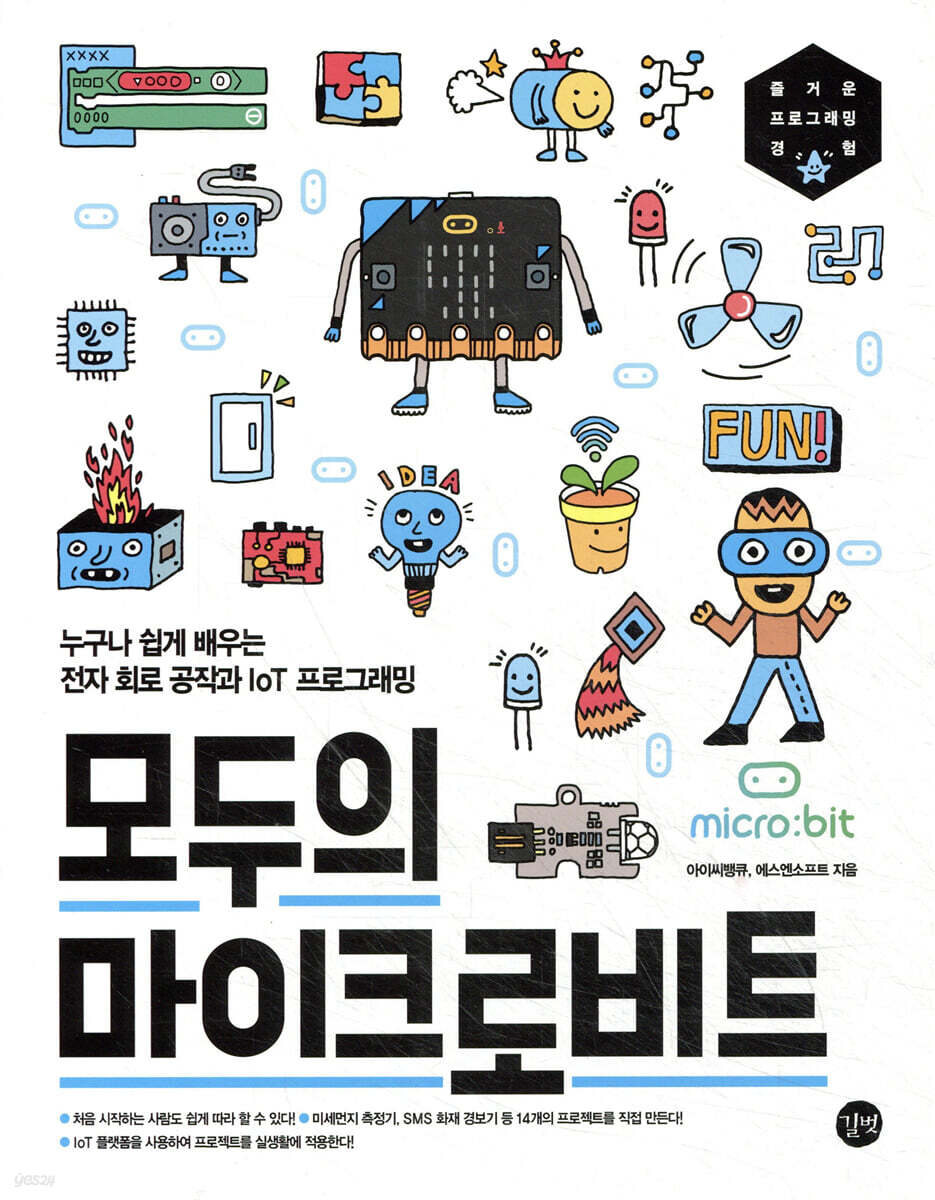
An easy and fun introduction to micro:bit that anyone can follow!
Create 14 projects yourself, including a fine dust meter and an SMS fire alarm!
Micro:bit is a hardware educational tool that makes learning coding easier. It can be used alone, but when used with various sensor components and expansion boards, it can be used to implement IoT systems that can be used in real life.
In particular, this book increases understanding of IoT systems by creating 14 projects, including a safety flowerpot that tells you when to water it, a weather board that tells you the amount of rainfall, and a fine dust measuring device that tells you the concentration of fine dust in your home, using various sensor components that can be connected to real life, such as soil moisture sensors, water level detection sensors, fine dust sensors, and ultrasonic sensors.
It is suitable for children who are learning coding for the first time, as well as adults who are interested in electronic crafts or making things, such as Arduino and Raspberry Pi.
Create 14 projects yourself, including a fine dust meter and an SMS fire alarm!
Micro:bit is a hardware educational tool that makes learning coding easier. It can be used alone, but when used with various sensor components and expansion boards, it can be used to implement IoT systems that can be used in real life.
In particular, this book increases understanding of IoT systems by creating 14 projects, including a safety flowerpot that tells you when to water it, a weather board that tells you the amount of rainfall, and a fine dust measuring device that tells you the concentration of fine dust in your home, using various sensor components that can be connected to real life, such as soil moisture sensors, water level detection sensors, fine dust sensors, and ultrasonic sensors.
It is suitable for children who are learning coding for the first time, as well as adults who are interested in electronic crafts or making things, such as Arduino and Raspberry Pi.
- You can preview some of the book's contents.
Preview
index
Chapter 0: What is Micro:bit? 13
0.1 | What is micro:bit? 14
0.2 | MakeCode 16, a block code program for micro:bit
0.3 | Getting Started with Micro:bit 22
Chapter 1: Growing Plants Easily with Safe Pots 27
1.1 | Preparing for the Peace of Mind Flowerpot Project 28
1.2 | Making a Peaceful Flower Pot 29
1.3 | Coding the Peace of Mind Flowerpot 35
Chapter 2: Managing Indoor Air Quality with a Fine Dust Meter 49
2.1 | Preparing for the Fine Dust Measurement Project 50
2.2 | Making a Fine Dust Meter 52
2.3 | Coding a Fine Dust Meter 56
Chapter 3: Noise Meters for Measuring Everyday Noise 67
3.1 | Preparing the Sound Level Meter Project 68
3.2 | Building a Noise Meter 69
3.3 | Coding the Noise Meter 74
Chapter 4: Saving Water by Making a Water Saving Device 85
4.1 | Preparing for the Water Saving Project 86
4.2 | Making a Water Saving Device 87
4.3 | Coding the Water Saving Device 95
Chapter 5: A Fan That Turns On Automatically When the Temperature Rises 103
5.1 | Preparing for the Fan Project 104
5.2 | Making a Fan 105
5.3 | Coding a Fan 110
Chapter 6: Making Shiny Dice 121
6.1 | Preparing for the Dice Project 122
6.2 | Making Dice 123
6.3 | Coding Dice 128
Chapter 7: Smart Trash Can with Lid that Opens When You Approach It 139
7.1 | Preparing for the Smart Trash Can Project 140
7.2 | Building a Smart Trash Can 141
7.3 | Coding a Smart Trash Can 146
Chapter 8: Creating an Alarm to Wake You Up in the Morning 157
8.1 | Preparing the Alarm Project 158
8.2 | Creating an Alarm 159
8.3 | Coding Alarms 164
Chapter 9: Beatboxing: Turning Noise into Music 177
9.1 | Preparing for the Beatbox Project 178
9.2 | Creating a Beatbox 180
9.3 | Coding Beatbox 184
Chapter 10: Monitoring Indoor Air Quality in Your Home 205
10.1 | Preparing for Your Home Monitoring Project 206
10.2 | Building a Home Monitoring System 208
10.3 | Coding Home Monitoring 213
Chapter 11: Building a Remote Switch to Save Energy 227
11.1 | Preparing for the Remote Switch Project 228
11.2 | Creating a Remote Switch 229
11.3 | Coding a Remote Switch 234
Chapter 12 SMS Fire Alarm 247
12.1 | Preparing for the SMS Fire Alarm Project 248
12.2 | Creating an SMS Fire Alarm 249
12.3 | Coding an SMS Fire Alarm 251
Chapter 13: Building a Smart School 269
13.1 | Smart Lights That Turn On When It's Dark 270
13.2 | Smart Fan that Turns On When Fine Dust Concentration is High 273
13.3 | Smart Door 276 that Opens When a Person Approaches
13.4 | A Smart Desk That Wake You Up 279
13.5 | Completing the Smart School 282
Chapter 14: Building a Smart City 285
14.1 | Intrusion detector that sounds an alarm when it detects motion 286
14.2 | Weather board 288 that provides real-time weather information
14.3 | Smart streetlights that automatically turn on at night 292
14.4 | Smart Traffic Lights That Recognize Pedestrians and Change Signals 295
14.5 | Completing the Smart City 298
0.1 | What is micro:bit? 14
0.2 | MakeCode 16, a block code program for micro:bit
0.3 | Getting Started with Micro:bit 22
Chapter 1: Growing Plants Easily with Safe Pots 27
1.1 | Preparing for the Peace of Mind Flowerpot Project 28
1.2 | Making a Peaceful Flower Pot 29
1.3 | Coding the Peace of Mind Flowerpot 35
Chapter 2: Managing Indoor Air Quality with a Fine Dust Meter 49
2.1 | Preparing for the Fine Dust Measurement Project 50
2.2 | Making a Fine Dust Meter 52
2.3 | Coding a Fine Dust Meter 56
Chapter 3: Noise Meters for Measuring Everyday Noise 67
3.1 | Preparing the Sound Level Meter Project 68
3.2 | Building a Noise Meter 69
3.3 | Coding the Noise Meter 74
Chapter 4: Saving Water by Making a Water Saving Device 85
4.1 | Preparing for the Water Saving Project 86
4.2 | Making a Water Saving Device 87
4.3 | Coding the Water Saving Device 95
Chapter 5: A Fan That Turns On Automatically When the Temperature Rises 103
5.1 | Preparing for the Fan Project 104
5.2 | Making a Fan 105
5.3 | Coding a Fan 110
Chapter 6: Making Shiny Dice 121
6.1 | Preparing for the Dice Project 122
6.2 | Making Dice 123
6.3 | Coding Dice 128
Chapter 7: Smart Trash Can with Lid that Opens When You Approach It 139
7.1 | Preparing for the Smart Trash Can Project 140
7.2 | Building a Smart Trash Can 141
7.3 | Coding a Smart Trash Can 146
Chapter 8: Creating an Alarm to Wake You Up in the Morning 157
8.1 | Preparing the Alarm Project 158
8.2 | Creating an Alarm 159
8.3 | Coding Alarms 164
Chapter 9: Beatboxing: Turning Noise into Music 177
9.1 | Preparing for the Beatbox Project 178
9.2 | Creating a Beatbox 180
9.3 | Coding Beatbox 184
Chapter 10: Monitoring Indoor Air Quality in Your Home 205
10.1 | Preparing for Your Home Monitoring Project 206
10.2 | Building a Home Monitoring System 208
10.3 | Coding Home Monitoring 213
Chapter 11: Building a Remote Switch to Save Energy 227
11.1 | Preparing for the Remote Switch Project 228
11.2 | Creating a Remote Switch 229
11.3 | Coding a Remote Switch 234
Chapter 12 SMS Fire Alarm 247
12.1 | Preparing for the SMS Fire Alarm Project 248
12.2 | Creating an SMS Fire Alarm 249
12.3 | Coding an SMS Fire Alarm 251
Chapter 13: Building a Smart School 269
13.1 | Smart Lights That Turn On When It's Dark 270
13.2 | Smart Fan that Turns On When Fine Dust Concentration is High 273
13.3 | Smart Door 276 that Opens When a Person Approaches
13.4 | A Smart Desk That Wake You Up 279
13.5 | Completing the Smart School 282
Chapter 14: Building a Smart City 285
14.1 | Intrusion detector that sounds an alarm when it detects motion 286
14.2 | Weather board 288 that provides real-time weather information
14.3 | Smart streetlights that automatically turn on at night 292
14.4 | Smart Traffic Lights That Recognize Pedestrians and Change Signals 295
14.5 | Completing the Smart City 298
Detailed image

Into the book
This book helps you learn coding and IoT programming, which used to be difficult, easily using the micro:bit.
Micro:bit is programmed by assembling blocks in an editor called MakeCode, similar to Entry or Scratch, so even beginners to coding can easily get started.
In particular, this book helps you create various IoT projects that can be applied in everyday life, such as at home and school, by repeating the process of connecting various components, decorating the connected hardware, and coding the connected components to perform their functions, thereby helping you fully understand IoT systems.
Therefore, whether you're a student learning coding for the first time, an ordinary office worker who loves to create, a parent who wants to teach coding to their child in a fun way, or a teacher who needs to teach coding in an interesting way to a disobedient student, this book will help you get one step closer to the smart world.
Micro:bit is programmed by assembling blocks in an editor called MakeCode, similar to Entry or Scratch, so even beginners to coding can easily get started.
In particular, this book helps you create various IoT projects that can be applied in everyday life, such as at home and school, by repeating the process of connecting various components, decorating the connected hardware, and coding the connected components to perform their functions, thereby helping you fully understand IoT systems.
Therefore, whether you're a student learning coding for the first time, an ordinary office worker who loves to create, a parent who wants to teach coding to their child in a fun way, or a teacher who needs to teach coding in an interesting way to a disobedient student, this book will help you get one step closer to the smart world.
---From the author's note
Publisher's Review
Anyone can create an IoT system easily and enjoyably!
1.
Preparation: Getting to Know the Micro:bit
Learn what a micro:bit is and how to use the micro:bit editor's screen layout and create a very simple program.
2.
Practice: Have fun practicing by creating a variety of projects.
Create IoT projects using a variety of components and easily available materials, such as water-saving devices, fans that turn on when the temperature rises, trash cans that open when you approach them, and remote switches that save electricity.
3.
Application: Increase project completion rate
We apply various projects to transform schools and cities where we spend a lot of time into 'smart schools' and 'smart cities'.
The experience of creating a project will help you understand the IoT systems that have deeply permeated our daily lives.
[A word from a beta tester who saw this book first]
It was structured around projects that could be used in everyday life, so children could learn in an interesting way.
- Kang Young-jin | Parent
This book takes your micro:bit projects to the next level by adding IoT programming to the micro:bit.
- Kim Jeong-hwa | Coding Instructor
It helps you understand IoT systems while working on a project using the IoT platform.
Above all, I think the biggest advantage is that you can create integrated results through making and coding.
- Shin Yun-kyung | Coding Instructor
1.
Preparation: Getting to Know the Micro:bit
Learn what a micro:bit is and how to use the micro:bit editor's screen layout and create a very simple program.
2.
Practice: Have fun practicing by creating a variety of projects.
Create IoT projects using a variety of components and easily available materials, such as water-saving devices, fans that turn on when the temperature rises, trash cans that open when you approach them, and remote switches that save electricity.
3.
Application: Increase project completion rate
We apply various projects to transform schools and cities where we spend a lot of time into 'smart schools' and 'smart cities'.
The experience of creating a project will help you understand the IoT systems that have deeply permeated our daily lives.
[A word from a beta tester who saw this book first]
It was structured around projects that could be used in everyday life, so children could learn in an interesting way.
- Kang Young-jin | Parent
This book takes your micro:bit projects to the next level by adding IoT programming to the micro:bit.
- Kim Jeong-hwa | Coding Instructor
It helps you understand IoT systems while working on a project using the IoT platform.
Above all, I think the biggest advantage is that you can create integrated results through making and coding.
- Shin Yun-kyung | Coding Instructor
GOODS SPECIFICS
- Publication date: April 30, 2021
- Page count, weight, size: 300 pages | 183*235*18mm
- ISBN13: 9791165215422
- ISBN10: 116521542X
You may also like
카테고리
korean


korean

![GQ KOREA Mark (Monthly): December [2025]](http://librairie.coreenne.fr/cdn/shop/files/8ef265dbbfbf186523ed75ba7319009d.jpg?v=1765340328&width=3840)


