

Embedded OS development project
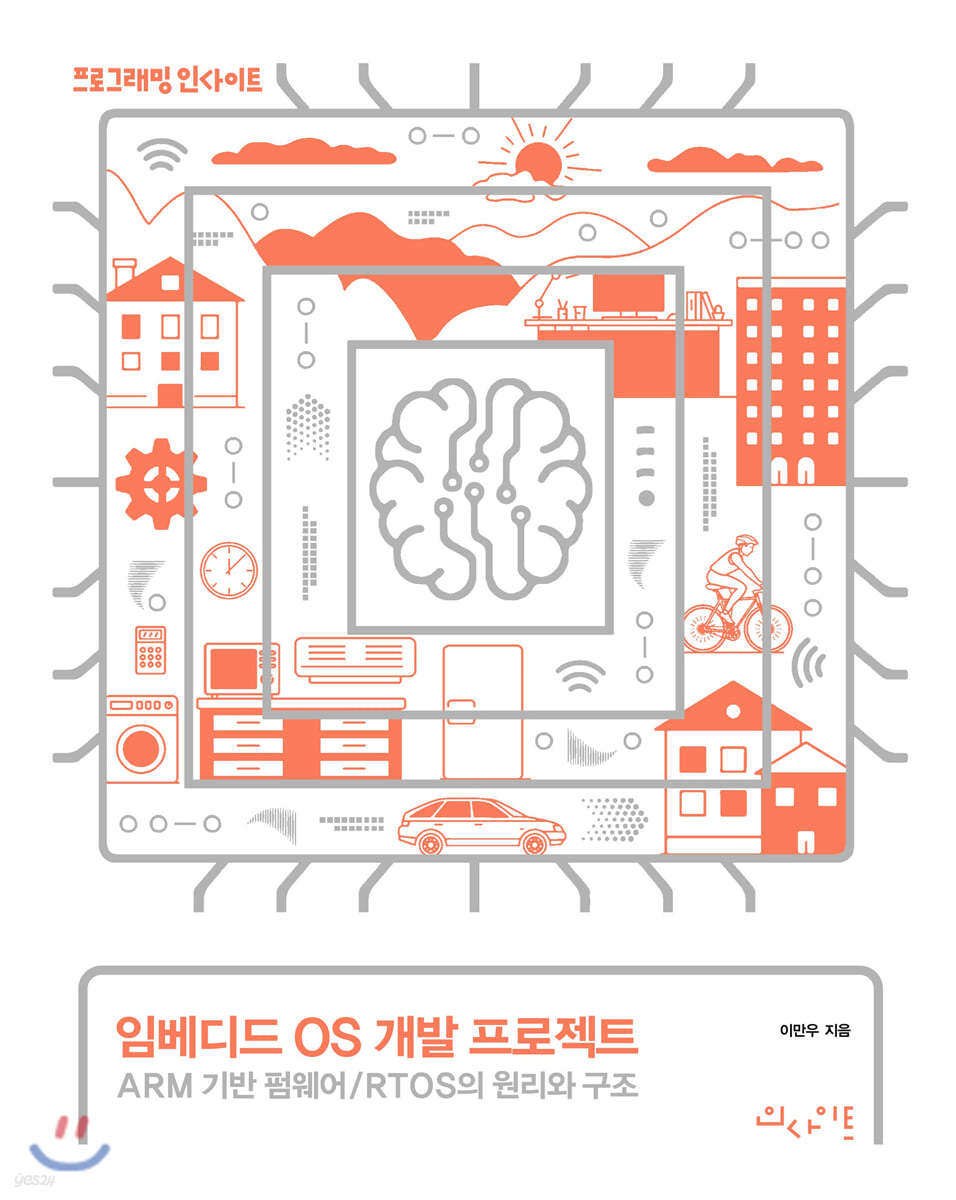 |
Description
Book Introduction
Let's create your own embedded operating system.
This book explains the firmware development process by creating a real-time operating system (RTOS).
It explains the process of creating an embedded operating system, starting from configuring the development environment and ultimately creating an RTOS (creating a bootloader, controlling hardware, synchronizing tasks, etc.).
In the process of making it like this, the core theories of ARM architecture and operating systems are explained, so for those who have already studied operating system theory, it will be a good opportunity to learn how what they have studied is implemented in different ways or what elements are common.
Also, people who have not studied operating system theory can study operating system theory through practice.
This book explains the firmware development process by creating a real-time operating system (RTOS).
It explains the process of creating an embedded operating system, starting from configuring the development environment and ultimately creating an RTOS (creating a bootloader, controlling hardware, synchronizing tasks, etc.).
In the process of making it like this, the core theories of ARM architecture and operating systems are explained, so for those who have already studied operating system theory, it will be a good opportunity to learn how what they have studied is implemented in different ways or what elements are common.
Also, people who have not studied operating system theory can study operating system theory through practice.
- You can preview some of the book's contents.
Preview
index
Chapter 1 Embedded Operating Systems
1.1 Operating System
1.2 Embedded operating systems and firmware
1.3 RTOS
1.4 Nabilos
1.5 Emulator Development Environment
1.6 Downloading the archive from the GitHub repository
1.7 Summary
Chapter 2: Setting up the development environment
2.1 Installing the Compiler
2.2 Installing QEMU
2.3 Summary
Chapter 3: Getting Started
3.1 Reset vector
3.2 Creating an executable file
3.3 Running it on QEMU
3.4 Automating Builds
3.5 Reading hardware information
3.6 Summary
Chapter 4 Booting
4.1 Memory Design
4.2 Creating an Exception Vector Table
4.3 Creating an Exception Handler
4.4 Entering the main page
4.5 Summary
Chapter 5 UART
5.1 UART Output
5.2 Hello world!
5.3 Receiving input via UART
5.4 Creating printf
5.5 Summary
Chapter 6 Interrupts
6.1 Interrupt Controller
6.2 Connecting UART inputs and interrupts
6.3 IRQ Exception Vector Connection
6.4 Summary
Chapter 7 Timer
7.1 Timer Hardware Initialization
7.2 Timer Counter Overflow
7.3 delay() function
7.4 Summary
Chapter 8 Tasks
8.1 Task Control Block
8.2 Initializing the Task Control Block
8.3 Creating a Task
8.4 Summary
Chapter 9 Scheduler
9.1 Simple Scheduler
9.2 Priority Scheduler
9.3 Summary
Chapter 10 Context Switching
10.1 Backing up contexts
10.2 Restoring context
10.3 Creating a yield
Starting the 10.4 Kernel
10.5 Summary
Chapter 11 Event
11.1 Event Flags
11.2 Interrupts and Events
11.3 Custom Events
11.4 Sending and processing multiple event flags simultaneously
11.5 Summary
Chapter 12 Messaging
12.1 Message Queues
12.2 Passing Data Between Tasks
12.3 Summary
Chapter 13 Synchronization
13.1 Semaphores
13.2 Mutex
13.3 Spinlock
13.4 Summary
Chapter 14 Conclusion
14.1 Project Completion
14.2 Firmware
14.3 RTOS
14.4 In conclusion
Appendix A Additional Materials
A.1 ARM Architecture Basics
A.2 ABI
A.3 Executable file format
A.4 Finding the RealViewPB Datasheet in the ARM InfoCenter
1.1 Operating System
1.2 Embedded operating systems and firmware
1.3 RTOS
1.4 Nabilos
1.5 Emulator Development Environment
1.6 Downloading the archive from the GitHub repository
1.7 Summary
Chapter 2: Setting up the development environment
2.1 Installing the Compiler
2.2 Installing QEMU
2.3 Summary
Chapter 3: Getting Started
3.1 Reset vector
3.2 Creating an executable file
3.3 Running it on QEMU
3.4 Automating Builds
3.5 Reading hardware information
3.6 Summary
Chapter 4 Booting
4.1 Memory Design
4.2 Creating an Exception Vector Table
4.3 Creating an Exception Handler
4.4 Entering the main page
4.5 Summary
Chapter 5 UART
5.1 UART Output
5.2 Hello world!
5.3 Receiving input via UART
5.4 Creating printf
5.5 Summary
Chapter 6 Interrupts
6.1 Interrupt Controller
6.2 Connecting UART inputs and interrupts
6.3 IRQ Exception Vector Connection
6.4 Summary
Chapter 7 Timer
7.1 Timer Hardware Initialization
7.2 Timer Counter Overflow
7.3 delay() function
7.4 Summary
Chapter 8 Tasks
8.1 Task Control Block
8.2 Initializing the Task Control Block
8.3 Creating a Task
8.4 Summary
Chapter 9 Scheduler
9.1 Simple Scheduler
9.2 Priority Scheduler
9.3 Summary
Chapter 10 Context Switching
10.1 Backing up contexts
10.2 Restoring context
10.3 Creating a yield
Starting the 10.4 Kernel
10.5 Summary
Chapter 11 Event
11.1 Event Flags
11.2 Interrupts and Events
11.3 Custom Events
11.4 Sending and processing multiple event flags simultaneously
11.5 Summary
Chapter 12 Messaging
12.1 Message Queues
12.2 Passing Data Between Tasks
12.3 Summary
Chapter 13 Synchronization
13.1 Semaphores
13.2 Mutex
13.3 Spinlock
13.4 Summary
Chapter 14 Conclusion
14.1 Project Completion
14.2 Firmware
14.3 RTOS
14.4 In conclusion
Appendix A Additional Materials
A.1 ARM Architecture Basics
A.2 ABI
A.3 Executable file format
A.4 Finding the RealViewPB Datasheet in the ARM InfoCenter
Publisher's Review
[Contents of this book]
Configuring the development environment
bootloader
Memory design
Exception handling
UART
interrupt
Timer
task
context switching
event
Messaging
synchronization
ARM architecture basic knowledge
Configuring the development environment
bootloader
Memory design
Exception handling
UART
interrupt
Timer
task
context switching
event
Messaging
synchronization
ARM architecture basic knowledge
GOODS SPECIFICS
- Publication date: December 24, 2019
- Page count, weight, size: 272 pages | 188*240*20mm
- ISBN13: 9788966262540
- ISBN10: 8966262546
You may also like
카테고리
korean


korean

![GQ KOREA Mark (Monthly): December [2025]](http://librairie.coreenne.fr/cdn/shop/files/8ef265dbbfbf186523ed75ba7319009d.jpg?v=1765340328&width=3840)


