

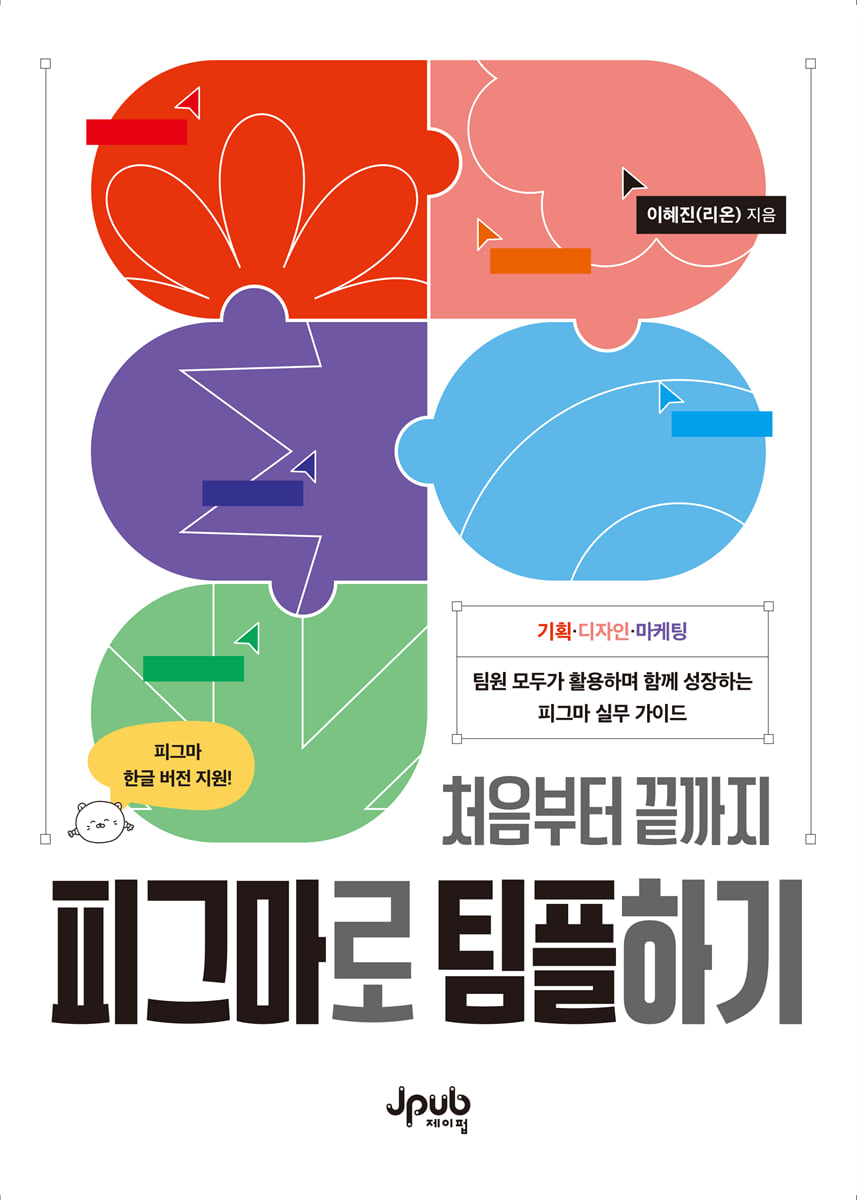
Teamwork with Figma from start to finish
 |
Description
Book Introduction
Figma, the design tool that unites teams
From planning to design and marketing, Figma is at the center of 'Team Play'.
The collaborative approach of planners visualizing ideas, designers building design systems, and marketers creating brand content has become a daily routine for many companies.
This book is an introductory book to Figma that allows even those who are new to Figma to naturally begin using it in practice.
You can learn step-by-step through examples that can be applied directly to real-world tasks, including basic functions such as auto layout, components, and variables, as well as Figma Buzz and AI functions.
From planning to design and marketing, Figma is at the center of 'Team Play'.
The collaborative approach of planners visualizing ideas, designers building design systems, and marketers creating brand content has become a daily routine for many companies.
This book is an introductory book to Figma that allows even those who are new to Figma to naturally begin using it in practice.
You can learn step-by-step through examples that can be applied directly to real-world tasks, including basic functions such as auto layout, components, and variables, as well as Figma Buzz and AI functions.
- You can preview some of the book's contents.
Preview
index
Entering
Part 01 Getting to Know Figma
Lesson 01: Exploring Figma Features
Cloud
Real-time collaboration
File Management
Vector image
Plugin
Lesson 02 Downloading Figma
Figma Web
Figma Desktop App
Figma Mobile App
Lesson 03: Understanding the Figma Interface
Home screen
Design screen
Lesson 04: Understanding Figma File Structure
Project
Files and Pages
Part 02 Getting Started with Figma
Lesson 01: Getting to Know the Toolbar
Move tool
Area Tool
Shape tool
Creative tools
Text
Comments
work
Lesson 02: Mastering the Toolbar with Simple Examples
Creating Presentation Slides
Creating complex shapes
Image placement and use
Lesson 03 Creating a Layout Guide
Setting layout guides
Registering a grid style
Using the Guide
Lesson 04: Understanding Figma Draw
Figma Draw Pen
Figma Draw Brush
Part 03 Managing Style
Lesson 01: Managing Color Styles
Setting the color palette
Using color palettes
Lesson 02 Managing Text Styles
Setting text styles
Using text styles
Part 04 Using the same shape repeatedly as a component
Lesson 01 Getting Started with Components
Create an instance
Applying Overrides
Using Components
Lesson 02: Managing Complex Interfaces with Components
Using nested components
Managing components more easily with booleans
Create a notification window
Part 05 Mastering Auto Layout
Lesson 01 Getting Started with Auto Layout
flow
Resize
array
padding
Lesson 02: Four Practical Examples Using Auto Layout
Creating a Navigation Bar
Create a newsletter subscription section
Creating a comment screen
Creating a News Article Layout
Lesson 03: Layout with Grid
Organize content with a card layout
Organize your dashboard into a grid for easy viewing
Part 06: Completing a Moving Design with a Prototype
Lesson 01: Starting a Prototype
Take a look at the prototype
8 Practical Examples Using Prototypes
Lesson 02: Testing Usability from the User's Perspective
Share your prototype
Collecting Feedback Using Slides
Part 07 Designing Easier with Figma Buzz
Lesson 01: Getting Started with Figma Buzz
Creating Brand Content with Figma Buzz
Share content on Figma Buzz
Lesson 02: Boosting Productivity with Figma Buzz
Create content in bulk with spreadsheets
Getting Started with Figma AI
Post a template
Part 08 Expanding Design Possibilities with Variables
Lesson 01: Getting Started with Variables
Designing Light and Dark Modes
Switch between light and dark modes using the button
Lesson 02: Creating Various Interactions with Variables
Creating a menu that expands and collapses
Implementing a Toast with a Conditional Prototype
Part 09 Collaborating with All Team Members
Lesson 01 Collaborating with Team Libraries
Create a Team Library
Documenting the styles included in your team library
Updating Team Libraries
Lesson 02: Managing Design Files Safely
Starting a branch
Check version contents and restore files
Learn about Dev Mode
A compilation of frequently used design practice plugins
In conclusion
Search
Part 01 Getting to Know Figma
Lesson 01: Exploring Figma Features
Cloud
Real-time collaboration
File Management
Vector image
Plugin
Lesson 02 Downloading Figma
Figma Web
Figma Desktop App
Figma Mobile App
Lesson 03: Understanding the Figma Interface
Home screen
Design screen
Lesson 04: Understanding Figma File Structure
Project
Files and Pages
Part 02 Getting Started with Figma
Lesson 01: Getting to Know the Toolbar
Move tool
Area Tool
Shape tool
Creative tools
Text
Comments
work
Lesson 02: Mastering the Toolbar with Simple Examples
Creating Presentation Slides
Creating complex shapes
Image placement and use
Lesson 03 Creating a Layout Guide
Setting layout guides
Registering a grid style
Using the Guide
Lesson 04: Understanding Figma Draw
Figma Draw Pen
Figma Draw Brush
Part 03 Managing Style
Lesson 01: Managing Color Styles
Setting the color palette
Using color palettes
Lesson 02 Managing Text Styles
Setting text styles
Using text styles
Part 04 Using the same shape repeatedly as a component
Lesson 01 Getting Started with Components
Create an instance
Applying Overrides
Using Components
Lesson 02: Managing Complex Interfaces with Components
Using nested components
Managing components more easily with booleans
Create a notification window
Part 05 Mastering Auto Layout
Lesson 01 Getting Started with Auto Layout
flow
Resize
array
padding
Lesson 02: Four Practical Examples Using Auto Layout
Creating a Navigation Bar
Create a newsletter subscription section
Creating a comment screen
Creating a News Article Layout
Lesson 03: Layout with Grid
Organize content with a card layout
Organize your dashboard into a grid for easy viewing
Part 06: Completing a Moving Design with a Prototype
Lesson 01: Starting a Prototype
Take a look at the prototype
8 Practical Examples Using Prototypes
Lesson 02: Testing Usability from the User's Perspective
Share your prototype
Collecting Feedback Using Slides
Part 07 Designing Easier with Figma Buzz
Lesson 01: Getting Started with Figma Buzz
Creating Brand Content with Figma Buzz
Share content on Figma Buzz
Lesson 02: Boosting Productivity with Figma Buzz
Create content in bulk with spreadsheets
Getting Started with Figma AI
Post a template
Part 08 Expanding Design Possibilities with Variables
Lesson 01: Getting Started with Variables
Designing Light and Dark Modes
Switch between light and dark modes using the button
Lesson 02: Creating Various Interactions with Variables
Creating a menu that expands and collapses
Implementing a Toast with a Conditional Prototype
Part 09 Collaborating with All Team Members
Lesson 01 Collaborating with Team Libraries
Create a Team Library
Documenting the styles included in your team library
Updating Team Libraries
Lesson 02: Managing Design Files Safely
Starting a branch
Check version contents and restore files
Learn about Dev Mode
A compilation of frequently used design practice plugins
In conclusion
Search
Detailed image

Publisher's Review
Figma Basics: A Practical, Easy-to-Learn Guide
Planners, designers, and marketers work together on one screen.
Let's stop thinking that Figma is a professional tool only for designers.
This book, based on the author's experience sharing practical Figma know-how through Instagram, shows how frequently used features in the field are utilized in real-world projects.
Let's experience the moment when the entire team learns all the processes required for planning, design, and marketing together, completes the project, and grows as a team.
The first Korean version of Figma Basics
This book is an introductory guide to Figma, based on the latest Korean version of Figma. Even users who have had difficulty with the existing English Figma interface can start using it without difficulty.
All examples are based on the Korean version, so anyone learning Figma for the first time can learn by following along step by step with actual screens.
By learning in Korean, you can understand Figma's core functions and practical examples more easily and apply them more quickly in real-world situations.
Target audience
■ Beginners who want to use Figma in practice
■ Planners who want to organize project flow and improve team collaboration efficiency with Figma
■ Designers who want to systematically learn Figma's core features, such as auto layout, components, and variables.
■ Marketers who want to create their own brand content using Figma Buzz and AI features.
Planners, designers, and marketers work together on one screen.
Let's stop thinking that Figma is a professional tool only for designers.
This book, based on the author's experience sharing practical Figma know-how through Instagram, shows how frequently used features in the field are utilized in real-world projects.
Let's experience the moment when the entire team learns all the processes required for planning, design, and marketing together, completes the project, and grows as a team.
The first Korean version of Figma Basics
This book is an introductory guide to Figma, based on the latest Korean version of Figma. Even users who have had difficulty with the existing English Figma interface can start using it without difficulty.
All examples are based on the Korean version, so anyone learning Figma for the first time can learn by following along step by step with actual screens.
By learning in Korean, you can understand Figma's core functions and practical examples more easily and apply them more quickly in real-world situations.
Target audience
■ Beginners who want to use Figma in practice
■ Planners who want to organize project flow and improve team collaboration efficiency with Figma
■ Designers who want to systematically learn Figma's core features, such as auto layout, components, and variables.
■ Marketers who want to create their own brand content using Figma Buzz and AI features.
GOODS SPECIFICS
- Date of issue: November 20, 2025
- Page count, weight, size: 236 pages | 170*232*14mm
- ISBN13: 9791194587880
You may also like
카테고리
korean


korean

![GQ KOREA Mark (Monthly): December [2025]](http://librairie.coreenne.fr/cdn/shop/files/8ef265dbbfbf186523ed75ba7319009d.jpg?v=1765340328&width=3840)


