

How to Use AI Chatbots for Education for Teachers
 |
Description
Book Introduction
Generative AI has completely transformed the learning environment both inside and outside the classroom.
The question has shifted from "Should we allow generative AI?" to "How should we use it educationally?"
Among them, GPT-based educational chatbots are attracting attention as powerful tools that support student learning and assist teachers in their work.
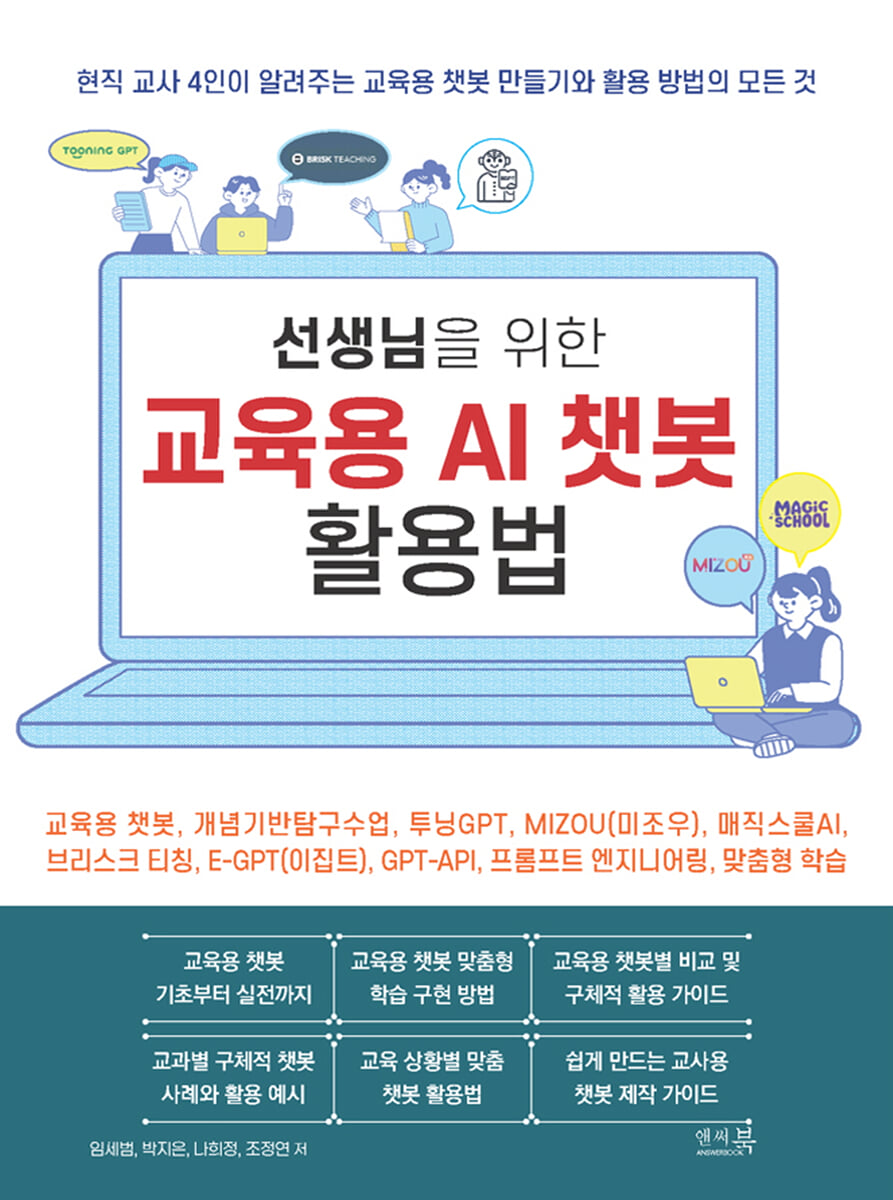
The book, "How to Use AI Chatbots for Education for Teachers," is a practical guide that explains how to effectively design and use educational chatbots.
The question has shifted from "Should we allow generative AI?" to "How should we use it educationally?"
Among them, GPT-based educational chatbots are attracting attention as powerful tools that support student learning and assist teachers in their work.
The book, "How to Use AI Chatbots for Education for Teachers," is a practical guide that explains how to effectively design and use educational chatbots.
index
CHAPTER 01: Transforming Classrooms with Educational Chatbots
01-01 What is LLM (Large-Scale Language Model)?
The size of the data and models
A Simple Example of the LLM's Abilities
Advances in GPT: AI Gets Smarter
Various LLM and chatbot services
The era of AI and human collaboration
Unit Summary
01-02 Can chatbot services be used right away in the classroom?
Problem situations that arise when using chatbot services in the classroom
Guidelines for the Use of Generative Artificial Intelligence Proposed by the Ministry of Education
Unit Summary
01-03 What is an educational chatbot?
Definition of educational chatbots
Building an educational chatbot
Educational Chatbot Data Structure
Unit Summary
01-04 Quick Start: Creating Your First Educational Chatbot
Create a new chatbot
Chat with the chatbot and check records
Unit Summary
01-05 P-TISER: 6 Steps to System Prompt Engineering for Educational Chatbots
P(Persona): Role
T(Task): Purpose
I (Instructions): Conversation Guidelines
S(Scenario): Scenario
E(Example): Example conversation
R(Resource): References and Background Knowledge
Structuring Prompts: A Systematic Way to Organize
Unit Summary
01-06 Type-specific prompt design
A quiz-style chatbot that tests knowledge and understanding
A chatbot that guides and supports task execution
A chatbot that provides the information needed for information search.
Interactive Assessment (Oral/Discussion Assessment) Chatbot
Social-Emotional Support (SEL) Chatbot
A personalized explanation chatbot that converts text to suit your level.
When you're having trouble writing prompts: Use the "Prompt Assistant"
Unit Summary
CHAPTER 02 4 Tools for Building Educational Chatbots
02-01 Features and Comparison of Educational Chatbot Tools
What the four tools have in common
Summary of features by tool
Recommended scenarios for each classroom situation
Unit Summary
02-02 Tooning
Mastering the Tooning Platform
Creating a Chatbot with Tooning
Unit Summary
02-03 Mizou
Mastering the Mizou Platform
Building a Chatbot with Mizou
Unit Summary
02-04 MagicSchool AI
Mastering the Magic School AI Platform
Chatbot for Teachers: Raina
Creating a Chatbot with Magic School AI
Unit Summary
02-05 Brisk Teaching
Getting Started with Brisk Teaching
Creating (1): Lesson Plan, Inquiry Questions, and Assessment
Creating (2): Family Newsletter, Letter of Recommendation
Provide feedback
Inspect Writing
Change custom level
Boost Student Activity: Automatically Create and Manage Chatbots from Web Resources
Participatory and evaluative chatbots
Unit Summary
CHAPTER 03: Chatbot Utilization Cases by Subject
03-01 Case Study of Chatbot Use in Korean Language Classes
Chatbot for discussing topics
A chatbot that supports interviews that take into account the other party and the medium.
A chatbot that helps you write about your experiences.
A writing chatbot that describes the characteristics of a subject.
A chatbot that supports report writing that reveals procedures and results.
A chatbot that helps you write with your heart
A chatbot that helps you express your experiences in literary works.
Unit Summary
03-02 Case Study of Chatbots in Math Classes
A problem-generating chatbot for mastering basic concepts
Chatbot that generates real-life related sentence problems
A chatbot that teaches concepts to students
A chatbot that evaluates students' problem-solving process
Chatbot to support students' problem creation
Things to keep in mind when creating math and chatbots
Unit Summary
03-03 Case Study of Chatbot Use in Social Studies Classes
Data Research Chatbot
Question-making chatbot
Quiz creation chatbot (to check what you've learned through quizzes)
Chatbot that talks to historical figures
Unit Summary
03-04 Chatbot Utilization Cases in Science Classes
Quiz-type chatbot to check learning content
Chatbots that research data and information
Latest news and information articles, personalized text conversion chatbot for students
Science Exploration Design Assistant Chatbot
A chatbot that helps you come up with inventions
A prayer model chatbot that helps you understand concepts
Unit Summary
03-05 Case Study of Chatbot Use in English Classes
Learning stress/rhythm
Understanding the cultures of different countries
Practice speaking English
Practice writing in English
Unit Summary
03-06 Chatbot Utilization Cases in Music and Art Classes
Chatbot utilizing the appreciation area
A four-corner discussion chatbot that expands your thinking
A chatbot for virtual interviews with artists
Unit Summary
CHAPTER 04: Creating a GPT-API Chatbot Easily Even Without Coding
04-01 What is GPT-API?
ChatGPT and GPT-API: Complete Services vs.
Development tools
What is an API?
APIs from various companies other than OpenAI
Model Selection and Billing Structure
Things to keep in mind when using APIs in education
Unit Summary
04-02 Installing a GPT-API-based chatbot on my Google Drive
E-GPT code replication
Create and enter an API key
Deploy the chatbot and enter the URL.
Testing the completed chatbot
Unit Summary
04-03 Structure of Google App Script and E-GPT
E-GPT's main flow
Key files and roles
System Sheet and Chatbot Sheet
How to call GPT from code
Flowchart by file
Customizing: Where to Look?
Unit Summary
04-04 Managing API Costs
Manage payment methods
Buy (recharge) credits
Usage limits, usage check
Establishing a VAT exemption for educational institution employees
Unit Summary
04-05 Easily modify E-GPT with ChatGPT even if you don't know how to code.
Copy the entire code → Ask ChatGPT to input and edit it.
Redistribute with modified code
Unit Summary
04-06 Generating code from scratch with ChatGPT
Basic Request
Providing ChatGPT with the latest coding knowledge (references)
Fixing errors (debug)
Unit Summary
01-01 What is LLM (Large-Scale Language Model)?
The size of the data and models
A Simple Example of the LLM's Abilities
Advances in GPT: AI Gets Smarter
Various LLM and chatbot services
The era of AI and human collaboration
Unit Summary
01-02 Can chatbot services be used right away in the classroom?
Problem situations that arise when using chatbot services in the classroom
Guidelines for the Use of Generative Artificial Intelligence Proposed by the Ministry of Education
Unit Summary
01-03 What is an educational chatbot?
Definition of educational chatbots
Building an educational chatbot
Educational Chatbot Data Structure
Unit Summary
01-04 Quick Start: Creating Your First Educational Chatbot
Create a new chatbot
Chat with the chatbot and check records
Unit Summary
01-05 P-TISER: 6 Steps to System Prompt Engineering for Educational Chatbots
P(Persona): Role
T(Task): Purpose
I (Instructions): Conversation Guidelines
S(Scenario): Scenario
E(Example): Example conversation
R(Resource): References and Background Knowledge
Structuring Prompts: A Systematic Way to Organize
Unit Summary
01-06 Type-specific prompt design
A quiz-style chatbot that tests knowledge and understanding
A chatbot that guides and supports task execution
A chatbot that provides the information needed for information search.
Interactive Assessment (Oral/Discussion Assessment) Chatbot
Social-Emotional Support (SEL) Chatbot
A personalized explanation chatbot that converts text to suit your level.
When you're having trouble writing prompts: Use the "Prompt Assistant"
Unit Summary
CHAPTER 02 4 Tools for Building Educational Chatbots
02-01 Features and Comparison of Educational Chatbot Tools
What the four tools have in common
Summary of features by tool
Recommended scenarios for each classroom situation
Unit Summary
02-02 Tooning
Mastering the Tooning Platform
Creating a Chatbot with Tooning
Unit Summary
02-03 Mizou
Mastering the Mizou Platform
Building a Chatbot with Mizou
Unit Summary
02-04 MagicSchool AI
Mastering the Magic School AI Platform
Chatbot for Teachers: Raina
Creating a Chatbot with Magic School AI
Unit Summary
02-05 Brisk Teaching
Getting Started with Brisk Teaching
Creating (1): Lesson Plan, Inquiry Questions, and Assessment
Creating (2): Family Newsletter, Letter of Recommendation
Provide feedback
Inspect Writing
Change custom level
Boost Student Activity: Automatically Create and Manage Chatbots from Web Resources
Participatory and evaluative chatbots
Unit Summary
CHAPTER 03: Chatbot Utilization Cases by Subject
03-01 Case Study of Chatbot Use in Korean Language Classes
Chatbot for discussing topics
A chatbot that supports interviews that take into account the other party and the medium.
A chatbot that helps you write about your experiences.
A writing chatbot that describes the characteristics of a subject.
A chatbot that supports report writing that reveals procedures and results.
A chatbot that helps you write with your heart
A chatbot that helps you express your experiences in literary works.
Unit Summary
03-02 Case Study of Chatbots in Math Classes
A problem-generating chatbot for mastering basic concepts
Chatbot that generates real-life related sentence problems
A chatbot that teaches concepts to students
A chatbot that evaluates students' problem-solving process
Chatbot to support students' problem creation
Things to keep in mind when creating math and chatbots
Unit Summary
03-03 Case Study of Chatbot Use in Social Studies Classes
Data Research Chatbot
Question-making chatbot
Quiz creation chatbot (to check what you've learned through quizzes)
Chatbot that talks to historical figures
Unit Summary
03-04 Chatbot Utilization Cases in Science Classes
Quiz-type chatbot to check learning content
Chatbots that research data and information
Latest news and information articles, personalized text conversion chatbot for students
Science Exploration Design Assistant Chatbot
A chatbot that helps you come up with inventions
A prayer model chatbot that helps you understand concepts
Unit Summary
03-05 Case Study of Chatbot Use in English Classes
Learning stress/rhythm
Understanding the cultures of different countries
Practice speaking English
Practice writing in English
Unit Summary
03-06 Chatbot Utilization Cases in Music and Art Classes
Chatbot utilizing the appreciation area
A four-corner discussion chatbot that expands your thinking
A chatbot for virtual interviews with artists
Unit Summary
CHAPTER 04: Creating a GPT-API Chatbot Easily Even Without Coding
04-01 What is GPT-API?
ChatGPT and GPT-API: Complete Services vs.
Development tools
What is an API?
APIs from various companies other than OpenAI
Model Selection and Billing Structure
Things to keep in mind when using APIs in education
Unit Summary
04-02 Installing a GPT-API-based chatbot on my Google Drive
E-GPT code replication
Create and enter an API key
Deploy the chatbot and enter the URL.
Testing the completed chatbot
Unit Summary
04-03 Structure of Google App Script and E-GPT
E-GPT's main flow
Key files and roles
System Sheet and Chatbot Sheet
How to call GPT from code
Flowchart by file
Customizing: Where to Look?
Unit Summary
04-04 Managing API Costs
Manage payment methods
Buy (recharge) credits
Usage limits, usage check
Establishing a VAT exemption for educational institution employees
Unit Summary
04-05 Easily modify E-GPT with ChatGPT even if you don't know how to code.
Copy the entire code → Ask ChatGPT to input and edit it.
Redistribute with modified code
Unit Summary
04-06 Generating code from scratch with ChatGPT
Basic Request
Providing ChatGPT with the latest coding knowledge (references)
Fixing errors (debug)
Unit Summary
Detailed image

Publisher's Review
The chapters covered in the book, "How to Use AI Chatbots for Education for Teachers," are as follows.
This book is based on the experiences of current teachers who have used chatbots in real classrooms.
We provide step-by-step guidance so anyone can easily create and use educational chatbots without complex technical terminology or programming knowledge.
Chapter 1, "Transforming Classrooms with Educational Chatbots," introduces the basic concepts of LLM (Large-Scale Language Models), the characteristics of educational chatbots, and the six steps of designing an educational chatbot called PTISER.
This methodology reimagines common prompt engineering for educational settings, providing a systematic framework for designing effective educational chatbots.
Chapter 2, "Tool Guide for Creating Educational Chatbots," compares the features and usage of various tools (Tuning GPT, MIZOU, Magic School AI, Brisk Teaching) that can easily create educational chatbots.
By understanding the pros and cons of each tool, you will be able to choose the best tool for your classroom situation.
Chapter 3, "Chatbot Utilization Cases by Subject," presents specific examples and prompts for how educational chatbots can be utilized in a variety of subjects, including Korean, math, social studies, science, English, and music/art.
Get ideas to transform your teaching through practical, hands-on examples you can apply right away in your classroom.
Chapter 4, "Easy to Create a GPT-API Chatbot Even Without Coding," guides teachers without coding experience on how to create their own chatbots using the GPT-API. From API concepts to chatbot installation using Google Drive, cost management, and code modification using ChatGPT, this chapter introduces more advanced chatbot usage techniques.
The following are reviews from teachers who participated in a training session based on the book, "How to Use AI Chatbots for Education for Teachers."
"The biggest advantage is the ability to create educational chatbots and monitor students' activities in real time during class."
"It seems possible to provide personalized learning by creating a chatbot that answers only the subjects and content you want."
"I was inspired and motivated to use AI chatbots in my classes."
"He explained everything from the basics of using educational chatbots to how to write prompts, all in an easy-to-understand way."
"It was very helpful to learn specific tips on how to use chatbots in the classroom."
“You explained the correct prompt writing method in a really easy-to-understand way.”
"It was great to learn specific methods for creating and utilizing educational chatbots in a very simple and easy way."
"Building a chatbot, which felt difficult, turned out to be incredibly fun and easy to learn."
“It really helped me understand the different chatbots I can use in my classes.”
"I was amazed that such a useful educational chatbot could be created without a single line of code."
This book is based on the experiences of current teachers who have used chatbots in real classrooms.
We provide step-by-step guidance so anyone can easily create and use educational chatbots without complex technical terminology or programming knowledge.
Chapter 1, "Transforming Classrooms with Educational Chatbots," introduces the basic concepts of LLM (Large-Scale Language Models), the characteristics of educational chatbots, and the six steps of designing an educational chatbot called PTISER.
This methodology reimagines common prompt engineering for educational settings, providing a systematic framework for designing effective educational chatbots.
Chapter 2, "Tool Guide for Creating Educational Chatbots," compares the features and usage of various tools (Tuning GPT, MIZOU, Magic School AI, Brisk Teaching) that can easily create educational chatbots.
By understanding the pros and cons of each tool, you will be able to choose the best tool for your classroom situation.
Chapter 3, "Chatbot Utilization Cases by Subject," presents specific examples and prompts for how educational chatbots can be utilized in a variety of subjects, including Korean, math, social studies, science, English, and music/art.
Get ideas to transform your teaching through practical, hands-on examples you can apply right away in your classroom.
Chapter 4, "Easy to Create a GPT-API Chatbot Even Without Coding," guides teachers without coding experience on how to create their own chatbots using the GPT-API. From API concepts to chatbot installation using Google Drive, cost management, and code modification using ChatGPT, this chapter introduces more advanced chatbot usage techniques.
The following are reviews from teachers who participated in a training session based on the book, "How to Use AI Chatbots for Education for Teachers."
"The biggest advantage is the ability to create educational chatbots and monitor students' activities in real time during class."
"It seems possible to provide personalized learning by creating a chatbot that answers only the subjects and content you want."
"I was inspired and motivated to use AI chatbots in my classes."
"He explained everything from the basics of using educational chatbots to how to write prompts, all in an easy-to-understand way."
"It was very helpful to learn specific tips on how to use chatbots in the classroom."
“You explained the correct prompt writing method in a really easy-to-understand way.”
"It was great to learn specific methods for creating and utilizing educational chatbots in a very simple and easy way."
"Building a chatbot, which felt difficult, turned out to be incredibly fun and easy to learn."
“It really helped me understand the different chatbots I can use in my classes.”
"I was amazed that such a useful educational chatbot could be created without a single line of code."
GOODS SPECIFICS
- Date of issue: June 30, 2025
- Page count, weight, size: 356 pages | 619g | 170*225*15mm
- ISBN13: 9791193059555
- ISBN10: 1193059550
You may also like
카테고리
korean


korean

![GQ KOREA Mark (Monthly): December [2025]](http://librairie.coreenne.fr/cdn/shop/files/8ef265dbbfbf186523ed75ba7319009d.jpg?v=1765340328&width=3840)


