

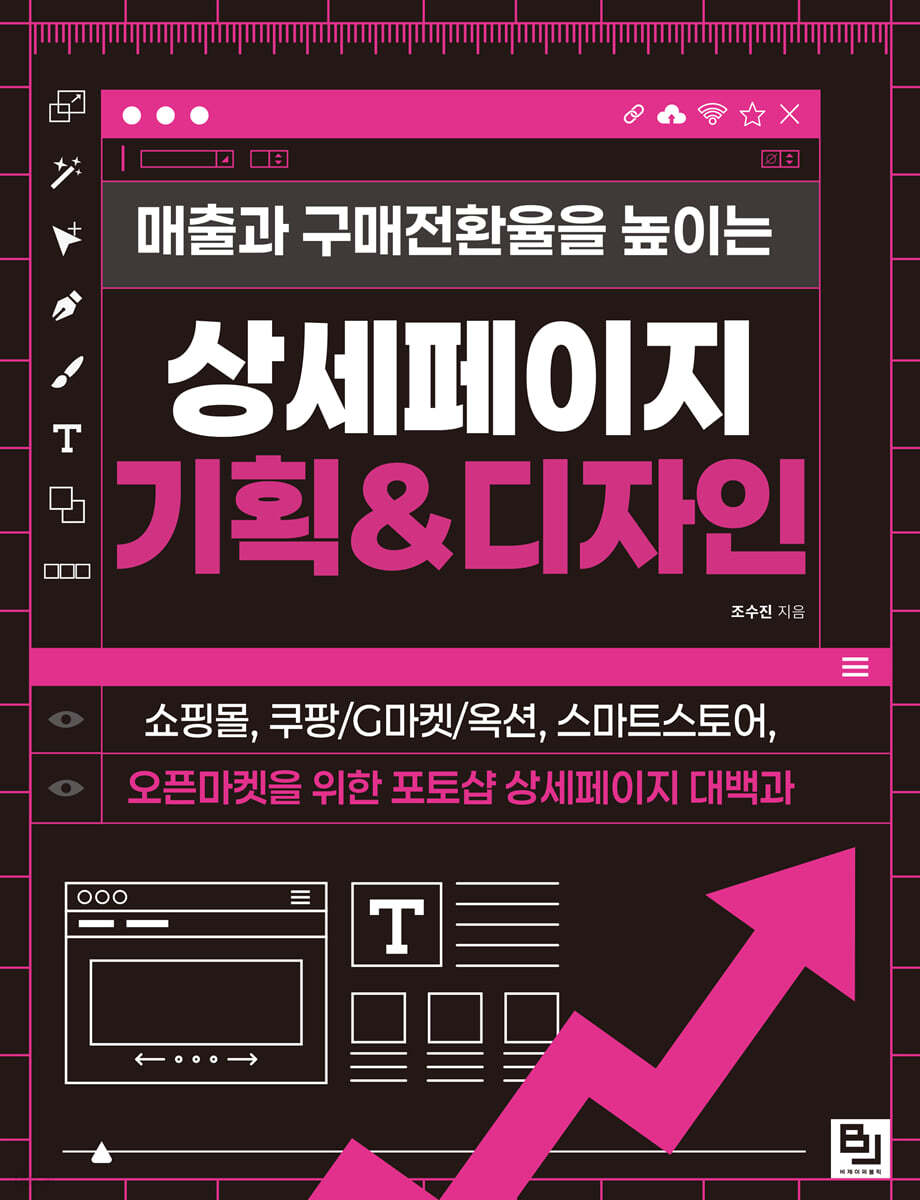
Detailed page planning and design to increase sales and conversion rates
 |
Description
Book Introduction
To catch the customer's attention
To make our products stand out
To determine the first impression and influence a customer's purchase by highlighting the product's features, a tool that makes the product stand out on its own is needed.
In online platforms such as shopping malls, Coupang/Gmarket/Auction, Smart Store, and open markets, that tool is the ‘detail page.’
This isn't just a detailed page with text and images, but a detailed page that captures the customer's attention and ultimately makes them click the 'Buy' button.
This book guides anyone through 32 examples to easily create detailed pages.
You can learn from the beginning in order, or you can select and review only the topics that are relevant to your situation, as it is organized into topics essential for selling products online, like an encyclopedia.
Let's create a customized detailed page tailored to your specific target audience with Photoshop, which allows you to freely express the layout as you wish and allows for precise editing with detailed details, making it perfect for making your brand and products stand out.
Once you create a Photoshop file, you can use it commercially in a variety of places without worrying about copyright.
To make our products stand out
To determine the first impression and influence a customer's purchase by highlighting the product's features, a tool that makes the product stand out on its own is needed.
In online platforms such as shopping malls, Coupang/Gmarket/Auction, Smart Store, and open markets, that tool is the ‘detail page.’
This isn't just a detailed page with text and images, but a detailed page that captures the customer's attention and ultimately makes them click the 'Buy' button.
This book guides anyone through 32 examples to easily create detailed pages.
You can learn from the beginning in order, or you can select and review only the topics that are relevant to your situation, as it is organized into topics essential for selling products online, like an encyclopedia.
Let's create a customized detailed page tailored to your specific target audience with Photoshop, which allows you to freely express the layout as you wish and allows for precise editing with detailed details, making it perfect for making your brand and products stand out.
Once you create a Photoshop file, you can use it commercially in a variety of places without worrying about copyright.
- You can preview some of the book's contents.
Preview
index
PART 01 A Secret Note That Captures Customers' Attention
_01 What is a details page?
_02 Understanding the latest trends in product detail pages
_03 Basic configuration of product details page at a glance
_04 Tips for Creating Detailed Pages by Product Group
_05 How to plan a detailed page that sells
PART 02: Build the Basics of Detail Page Creation
_01 Installing Photoshop
_02 Photoshop screen layout and main panels overview
_03 Exploring the Photoshop Tools Panel
_04 Setting up Photoshop environment
_05 Creating a work environment to create a detailed page
_06 Create/Save/Load Workspace
_07 Understanding Photoshop Layers
_08 Design Tips Site
PART 03 Mastering Essential Photoshop Features
_01 Remove unnecessary parts from the image
_02 Correcting photos on the detailed page
_03 Changing the color of a specific part of a product image
_04 Retouching model portrait photos
_05 Separating an object with ambiguous boundaries from the background
_06 Understanding Layer Masks
_07 Understanding Clipping Masks
_08 How to add realistic shadows
PART 04 Creating a Promotion Details Page
_01 Discount Special Promotion
_02 KakaoTalk Friend Addition Promotion
_03 Review Event Promotion
PART 05 Creating a Notice Detail Page
_01 Holiday Delivery Schedule Information
_02 Product size and detailed information
_03 Exchange and Return Information
PART 06 Creating a Review Detail Page
_01 Use of top search ranking information
_02 Using Customer Reviews (1) - Image
_03 Using Customer Reviews (2) - Satisfaction Survey Graph
PART 07 Creating a Problem Details Page
_01 Use low-rated reviews
_02 Using problems that evoke empathy
PART 08 Creating an Intro Detail Page
_01 Simple intro using only representative images
_02 Intro using English copy
_03 Intro with product photos that stand out
_04 Intro using pattern
PART 09 Creating a Key Points Detail Page
_01 Key points using icons
_02 Key points using text (1)
_03 Key points using text (2)
_04 Key points using product photos
PART 10: Creating a Product Recommendation Detail Page
_01 Detailed area design for product comparison
_02 Highlighting the detailed area of the product
_03 Product Recommendation Using a Checklist
_04 Product recommendations using icons
PART 11 Creating an Animated GIF Detail Page
_01 Basic of the Basics (1) - GIF using photos
_02 Basic of the Basics (2) - GIF using video
_03 GIF with text
_04 Moving Intro
_05 Rolling Review List
_06 Effect where review numbers appear randomly
_07 Color changing text effect
_08 Light passing through text effect
_09 A list of reviews that appear one by one like a chat
_01 What is a details page?
_02 Understanding the latest trends in product detail pages
_03 Basic configuration of product details page at a glance
_04 Tips for Creating Detailed Pages by Product Group
_05 How to plan a detailed page that sells
PART 02: Build the Basics of Detail Page Creation
_01 Installing Photoshop
_02 Photoshop screen layout and main panels overview
_03 Exploring the Photoshop Tools Panel
_04 Setting up Photoshop environment
_05 Creating a work environment to create a detailed page
_06 Create/Save/Load Workspace
_07 Understanding Photoshop Layers
_08 Design Tips Site
PART 03 Mastering Essential Photoshop Features
_01 Remove unnecessary parts from the image
_02 Correcting photos on the detailed page
_03 Changing the color of a specific part of a product image
_04 Retouching model portrait photos
_05 Separating an object with ambiguous boundaries from the background
_06 Understanding Layer Masks
_07 Understanding Clipping Masks
_08 How to add realistic shadows
PART 04 Creating a Promotion Details Page
_01 Discount Special Promotion
_02 KakaoTalk Friend Addition Promotion
_03 Review Event Promotion
PART 05 Creating a Notice Detail Page
_01 Holiday Delivery Schedule Information
_02 Product size and detailed information
_03 Exchange and Return Information
PART 06 Creating a Review Detail Page
_01 Use of top search ranking information
_02 Using Customer Reviews (1) - Image
_03 Using Customer Reviews (2) - Satisfaction Survey Graph
PART 07 Creating a Problem Details Page
_01 Use low-rated reviews
_02 Using problems that evoke empathy
PART 08 Creating an Intro Detail Page
_01 Simple intro using only representative images
_02 Intro using English copy
_03 Intro with product photos that stand out
_04 Intro using pattern
PART 09 Creating a Key Points Detail Page
_01 Key points using icons
_02 Key points using text (1)
_03 Key points using text (2)
_04 Key points using product photos
PART 10: Creating a Product Recommendation Detail Page
_01 Detailed area design for product comparison
_02 Highlighting the detailed area of the product
_03 Product Recommendation Using a Checklist
_04 Product recommendations using icons
PART 11 Creating an Animated GIF Detail Page
_01 Basic of the Basics (1) - GIF using photos
_02 Basic of the Basics (2) - GIF using video
_03 GIF with text
_04 Moving Intro
_05 Rolling Review List
_06 Effect where review numbers appear randomly
_07 Color changing text effect
_08 Light passing through text effect
_09 A list of reviews that appear one by one like a chat
Detailed image

Publisher's Review
Product detail page planning and design
Don't worry alone anymore
"Detailed Page Planning & Design to Increase Sales and Conversion Rates" provides detailed guidance on specific methods for understanding customer behavior patterns and psychology to guide purchases, as well as on visually appealing and eye-catching designs.
And, even if you are new to Photoshop, we will carefully examine everything from how to install Photoshop to the work environment suitable for detailed page design, to essential functions that can be used right away in real-world situations, so that you can easily follow along.
These 32 colorful, practical examples, each reflecting a real-world scenario, will be a great help to anyone seeking practical design experience or those looking to expand their planning skills beyond their design sense.
Author's direct lecture YouTube channel 'Dobemaster' youtube.com/@dobemaster
Readers who need this book
- A shopping mall owner who wants to properly utilize the unique characteristics of their products.
- Small business owners who want to create their own smart store details page
- A designer who wants to improve planning skills beyond design sense.
- Those who want to increase sales with detailed pages that touch the hearts of customers.
- Those who are concerned that click-through rates on Coupang, Auction, and Gmarket products are not leading to purchase conversion rates.
Don't worry alone anymore
"Detailed Page Planning & Design to Increase Sales and Conversion Rates" provides detailed guidance on specific methods for understanding customer behavior patterns and psychology to guide purchases, as well as on visually appealing and eye-catching designs.
And, even if you are new to Photoshop, we will carefully examine everything from how to install Photoshop to the work environment suitable for detailed page design, to essential functions that can be used right away in real-world situations, so that you can easily follow along.
These 32 colorful, practical examples, each reflecting a real-world scenario, will be a great help to anyone seeking practical design experience or those looking to expand their planning skills beyond their design sense.
Author's direct lecture YouTube channel 'Dobemaster' youtube.com/@dobemaster
Readers who need this book
- A shopping mall owner who wants to properly utilize the unique characteristics of their products.
- Small business owners who want to create their own smart store details page
- A designer who wants to improve planning skills beyond design sense.
- Those who want to increase sales with detailed pages that touch the hearts of customers.
- Those who are concerned that click-through rates on Coupang, Auction, and Gmarket products are not leading to purchase conversion rates.
GOODS SPECIFICS
- Date of issue: December 12, 2024
- Page count, weight, size: 488 pages | 188*245*30mm
- ISBN13: 9791165923099
- ISBN10: 1165923092
You may also like
카테고리
korean


korean

![GQ KOREA Mark (Monthly): December [2025]](http://librairie.coreenne.fr/cdn/shop/files/8ef265dbbfbf186523ed75ba7319009d.jpg?v=1765340328&width=3840)


