

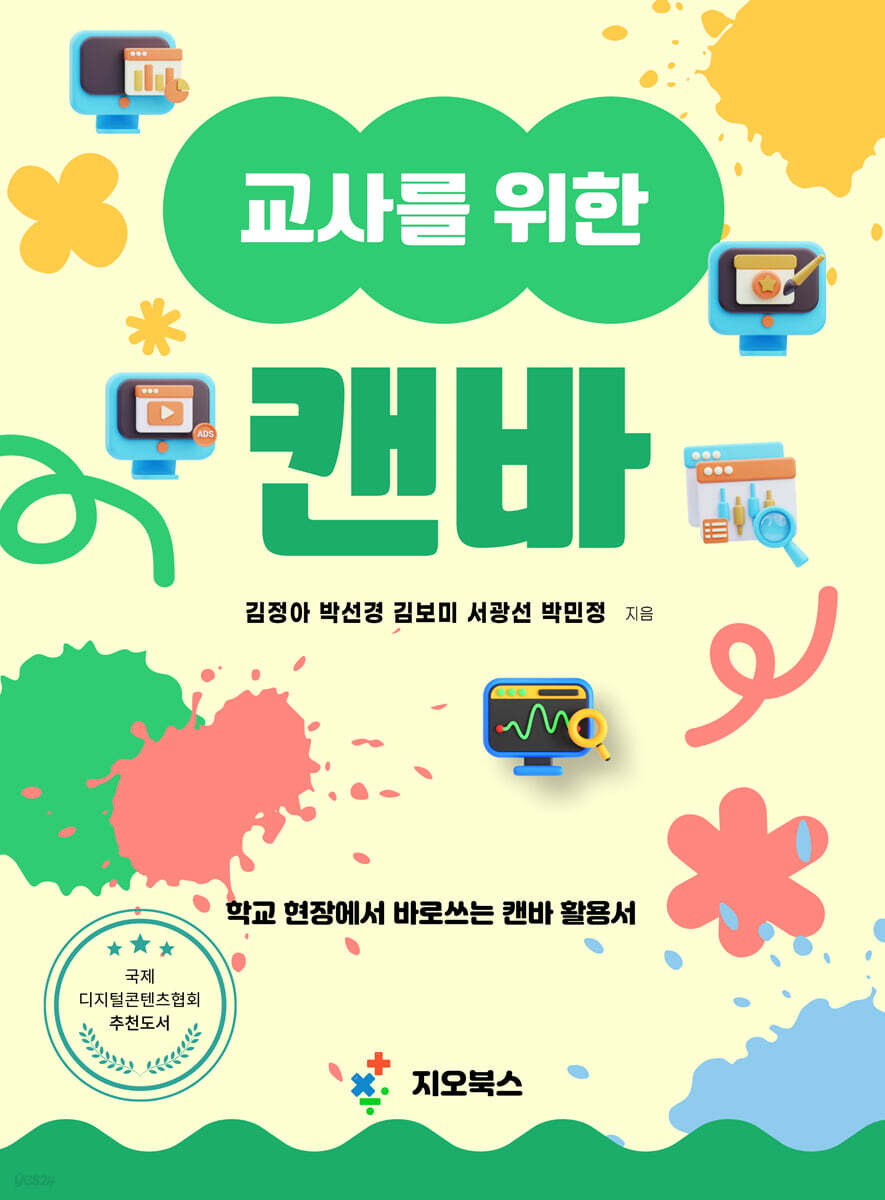
Canva for Teachers: A Guide to Using Canva in Schools
 |
Description
Book Introduction
Every day we create new stories in our classrooms.
Meeting new students, imparting valuable knowledge as a teacher, and watching them learn is always valuable, but the process requires countless preparations and efforts.
Creating learning materials, running classes, and handling school administrative tasks can sometimes feel overwhelming.
There are many times when we are so caught up in urgent problems that we have no time to come up with creative class ideas.
Perhaps it's natural that trying new tools or methods can feel daunting.
Despite these challenging circumstances, we are constantly seeking better ways to adapt to the changing educational landscape.
Knowing the struggles of teachers striving to provide more effective education for their students, this book provides simple yet practical methods for preparing lessons and conducting their work.
Canva is an intuitive tool that anyone can use without requiring complex technology.
With a wealth of resources, including a variety of templates, icons, and fonts, you can easily utilize them to go beyond simple material creation and enhance the quality of communication between students and teachers in class.
Students can also use Canva's simple features to create high-quality learning outcomes.
Especially when students' handwriting and drawing skills determine the quality of their work in various project activities, using Canva allows them to focus on the core curriculum content they need to learn.
This book covers the basics of Canva in the first chapter, making it easy for all teachers to use in their schools. It then provides a variety of examples and tips that can be applied immediately in work and classes.
There are so many things you can do with Canva, from creating learning materials to classroom posters to simple administrative documents.
Collaboration features also provide opportunities to create materials or share ideas with fellow teachers.
I hope this book goes beyond simply introducing teachers to new digital tools; it also helps teachers reduce their workload and achieve both creativity and efficiency in their lesson preparation.
Furthermore, I hope you can use the time you gain through Canva to communicate and connect with your students.
Meeting new students, imparting valuable knowledge as a teacher, and watching them learn is always valuable, but the process requires countless preparations and efforts.
Creating learning materials, running classes, and handling school administrative tasks can sometimes feel overwhelming.
There are many times when we are so caught up in urgent problems that we have no time to come up with creative class ideas.
Perhaps it's natural that trying new tools or methods can feel daunting.
Despite these challenging circumstances, we are constantly seeking better ways to adapt to the changing educational landscape.
Knowing the struggles of teachers striving to provide more effective education for their students, this book provides simple yet practical methods for preparing lessons and conducting their work.
Canva is an intuitive tool that anyone can use without requiring complex technology.
With a wealth of resources, including a variety of templates, icons, and fonts, you can easily utilize them to go beyond simple material creation and enhance the quality of communication between students and teachers in class.
Students can also use Canva's simple features to create high-quality learning outcomes.
Especially when students' handwriting and drawing skills determine the quality of their work in various project activities, using Canva allows them to focus on the core curriculum content they need to learn.
This book covers the basics of Canva in the first chapter, making it easy for all teachers to use in their schools. It then provides a variety of examples and tips that can be applied immediately in work and classes.
There are so many things you can do with Canva, from creating learning materials to classroom posters to simple administrative documents.
Collaboration features also provide opportunities to create materials or share ideas with fellow teachers.
I hope this book goes beyond simply introducing teachers to new digital tools; it also helps teachers reduce their workload and achieve both creativity and efficiency in their lesson preparation.
Furthermore, I hope you can use the time you gain through Canva to communicate and connect with your students.
index
Prologue Ⅰ
Recommendation II
CHAPTER 01 Canva 1
1.1 Canvas 2
1.2 Educational Canvas 3
1.3 Get Certified as a Canvas Teacher 4
1.4 How to sign up for Canva and basic features 7
1.5 Other Features 10
1.6 Creating a Class for Student Guidance 16
1.7 Invite users 18
1.8 Check Open Classes 21
1.9 Lesson 22
1.10 Participating in Class as a Student 33
1.11 Checking Student Assignments and Reports 36
1.12 Collaboration through Access Granting 38
1.13 Folder 40
1.14 Canva's Photo Editing Features 46
1.15 54 Useful App Add-ons for Canva
1.16 58 Useful Design Search Keywords in Canva
CHAPTER 02 Use in Business 63
2.1 Smoking Prevention Banner Design Contest 64
2.2 School Festival Poster Contest 65
2.3 Creating a Class Schedule 69
2.4 School Brochure Production 72
2.5 Using Canva Docs 75
2.6 Editing PDF Documents with Canva 78
2.7 Creating Posters on Campus 80
2.8 Generating a Dynamic QR Code 83
2.9 Creating a Class Video (Graduation Video) Using the Video Feature 85
CHAPTER 03 Use in Classrooms 87
3.1 Searching and Using Worksheets 88
3.2 Creating an Earth Environment Calendar Using Canva 91
3.3 Lessons Using Bingo Cards 95
3.4 Math Lesson: Learning to Organize and Interpret Data Using Charts 98
3.5 Korean Language Class: Making Picture Books 104
3.6 Technology and Home Economics Lesson: Understanding the Elements of Clothing Design 113
3.7 Mass production of listings or word cards 119
3.8 Math Lesson: Creating a Document on "Circumcenter of a Triangle" 125
3.9 Creating a Book Promotional Video Using Stop Motion 130
3.10 Creating a Book Cover Using the Text Design Feature 139
Recommendation II
CHAPTER 01 Canva 1
1.1 Canvas 2
1.2 Educational Canvas 3
1.3 Get Certified as a Canvas Teacher 4
1.4 How to sign up for Canva and basic features 7
1.5 Other Features 10
1.6 Creating a Class for Student Guidance 16
1.7 Invite users 18
1.8 Check Open Classes 21
1.9 Lesson 22
1.10 Participating in Class as a Student 33
1.11 Checking Student Assignments and Reports 36
1.12 Collaboration through Access Granting 38
1.13 Folder 40
1.14 Canva's Photo Editing Features 46
1.15 54 Useful App Add-ons for Canva
1.16 58 Useful Design Search Keywords in Canva
CHAPTER 02 Use in Business 63
2.1 Smoking Prevention Banner Design Contest 64
2.2 School Festival Poster Contest 65
2.3 Creating a Class Schedule 69
2.4 School Brochure Production 72
2.5 Using Canva Docs 75
2.6 Editing PDF Documents with Canva 78
2.7 Creating Posters on Campus 80
2.8 Generating a Dynamic QR Code 83
2.9 Creating a Class Video (Graduation Video) Using the Video Feature 85
CHAPTER 03 Use in Classrooms 87
3.1 Searching and Using Worksheets 88
3.2 Creating an Earth Environment Calendar Using Canva 91
3.3 Lessons Using Bingo Cards 95
3.4 Math Lesson: Learning to Organize and Interpret Data Using Charts 98
3.5 Korean Language Class: Making Picture Books 104
3.6 Technology and Home Economics Lesson: Understanding the Elements of Clothing Design 113
3.7 Mass production of listings or word cards 119
3.8 Math Lesson: Creating a Document on "Circumcenter of a Triangle" 125
3.9 Creating a Book Promotional Video Using Stop Motion 130
3.10 Creating a Book Cover Using the Text Design Feature 139
GOODS SPECIFICS
- Date of issue: January 1, 2025
- Page count, weight, size: 152 pages | 188*257*20mm
- ISBN13: 9791194145165
- ISBN10: 1194145167
You may also like
카테고리
korean


korean

![GQ KOREA Mark (Monthly): December [2025]](http://librairie.coreenne.fr/cdn/shop/files/8ef265dbbfbf186523ed75ba7319009d.jpg?v=1765340328&width=3840)


